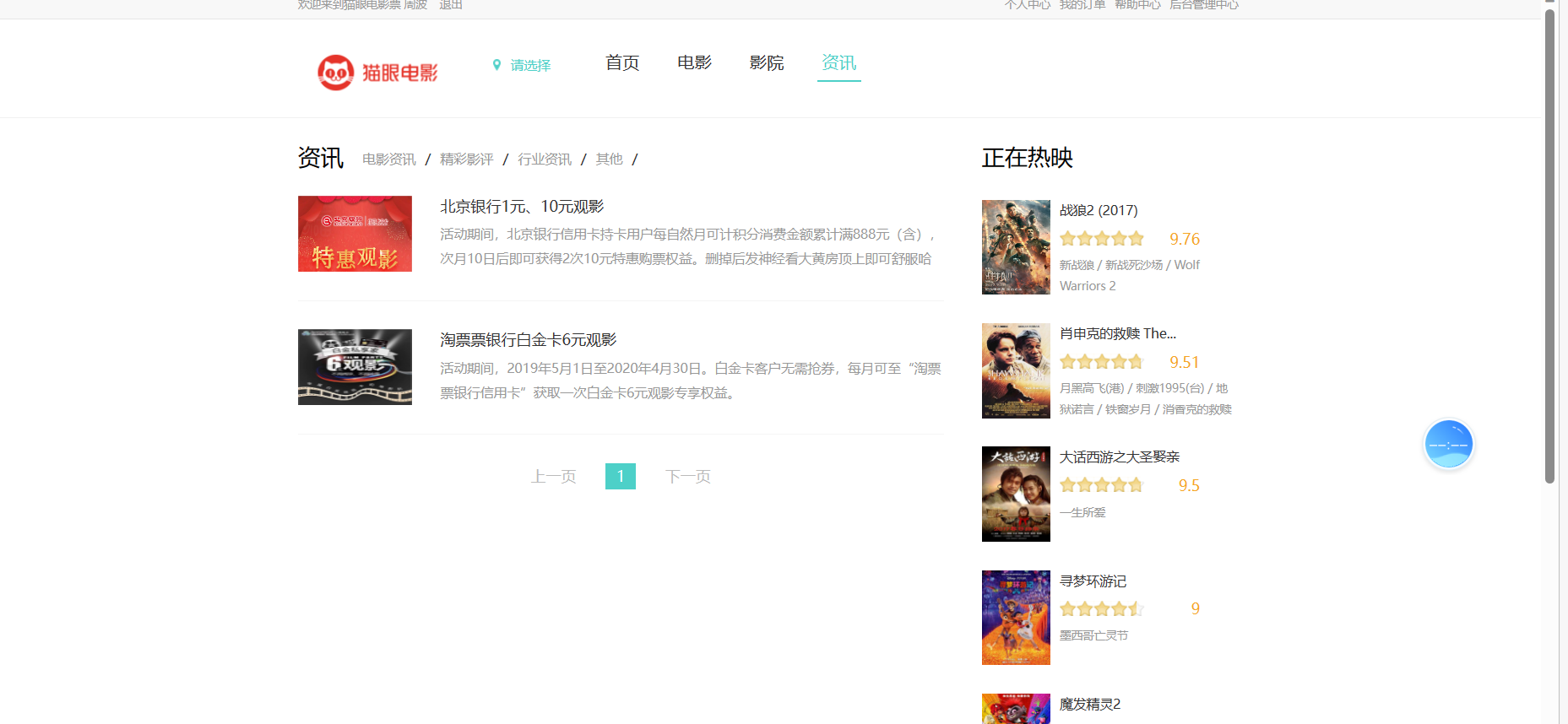
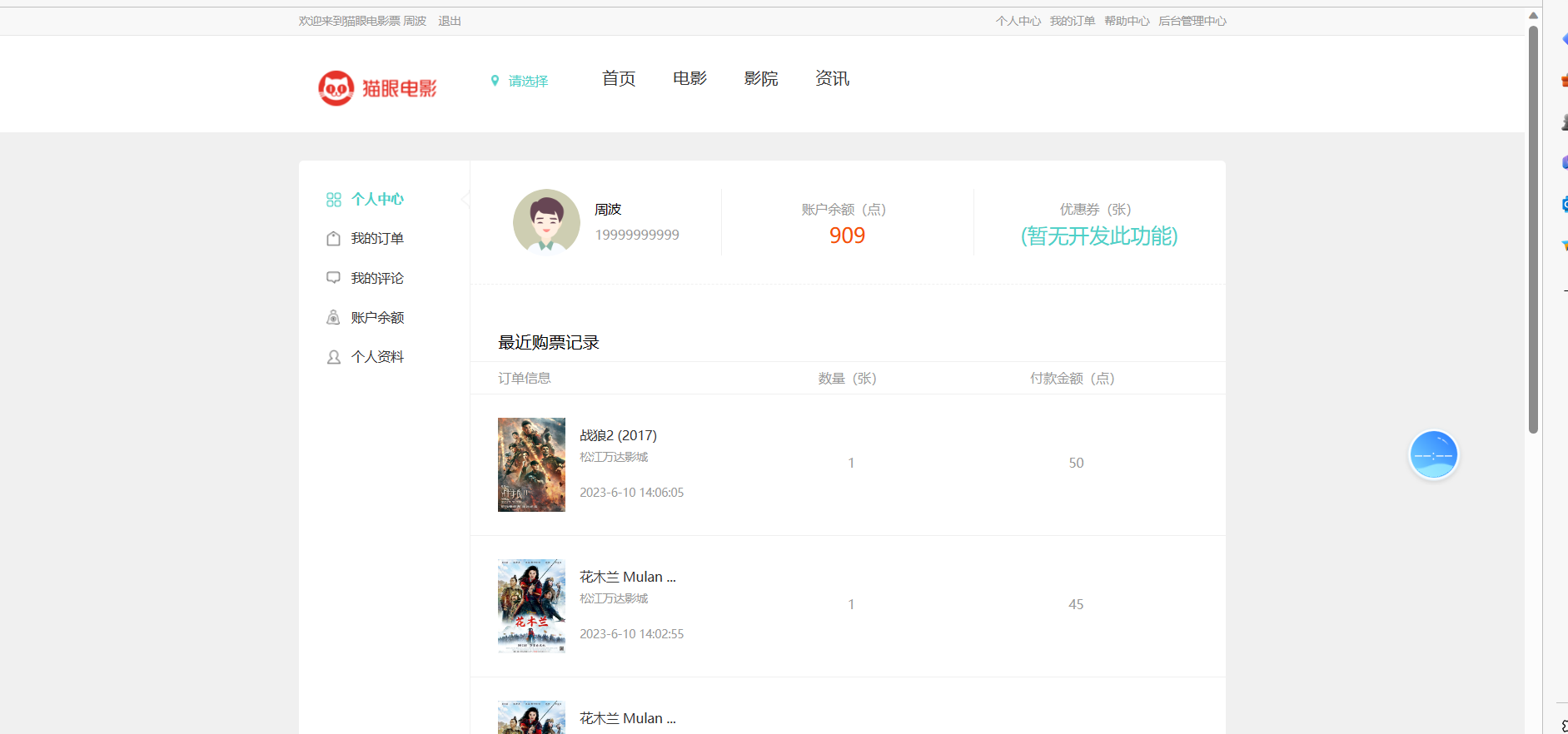
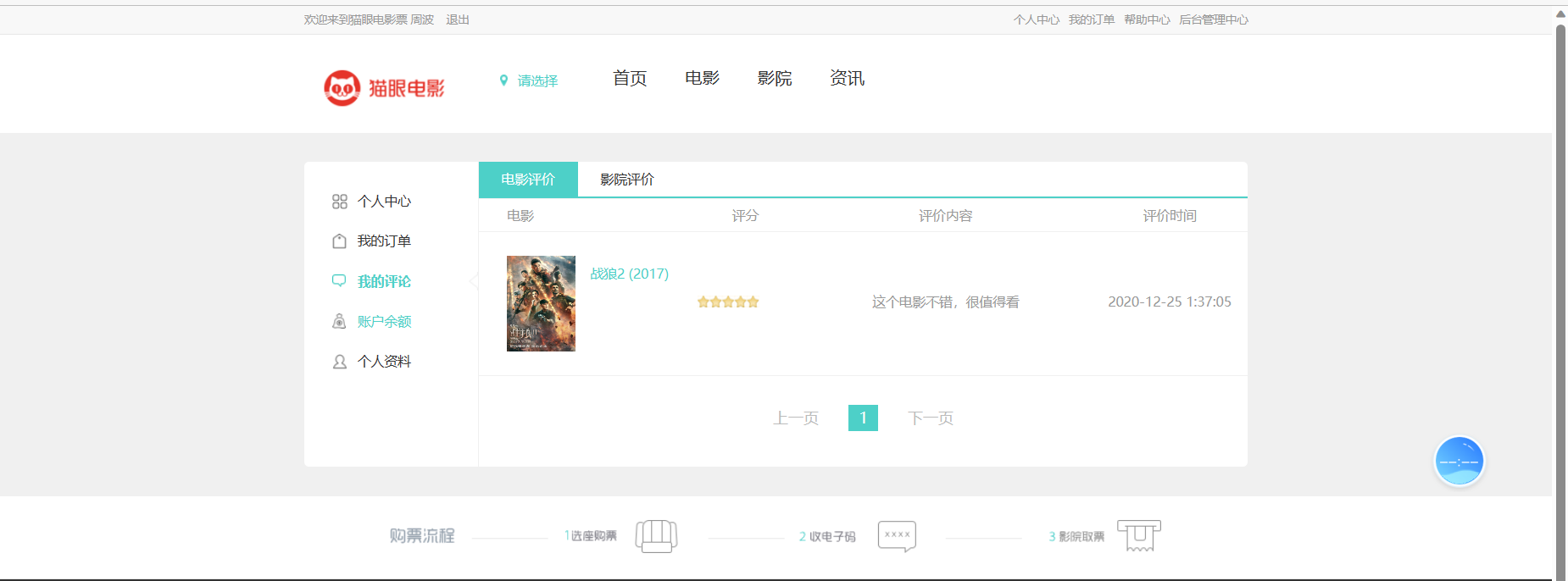
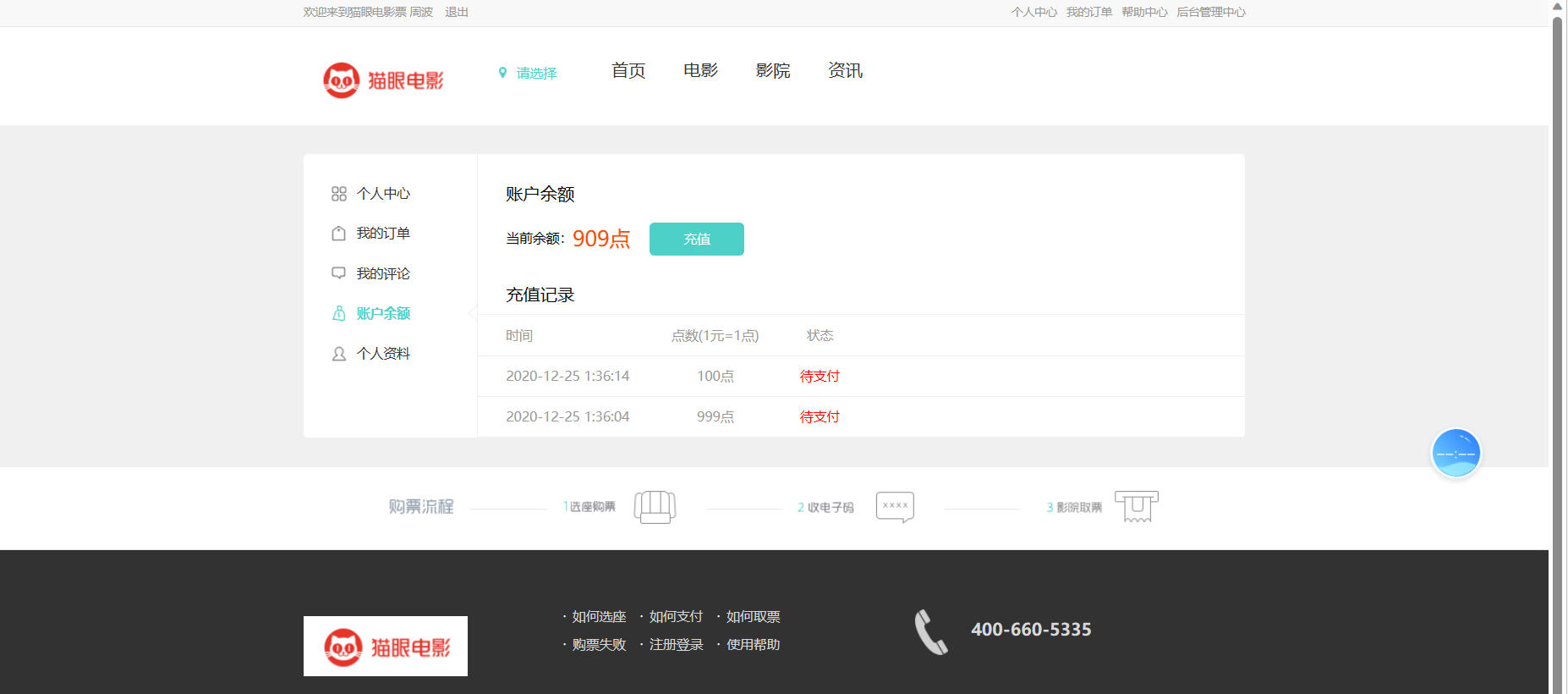
## 采用技术 :
- 前端:HTML + CSS + JavaScript + Bootstrap + Jquery + Ajax
- 后端:SpringBoot + Html + Maven
## 开发环境 :
- 工具:IDEA、Navicat、Git
- 环境:JDK 1.8、Tomcat 9.0、Mysql 8.0
- 项目管理:
-
## 开发流程:
1、数据库设计
2、Model:模型定义,与数据库相匹配
3、Dao层:数据操作
4、Service:服务包装
5、Controller:业务入口,数据交互
6、Util:工具类封装
7、Config:配置类封装
8、单元测试
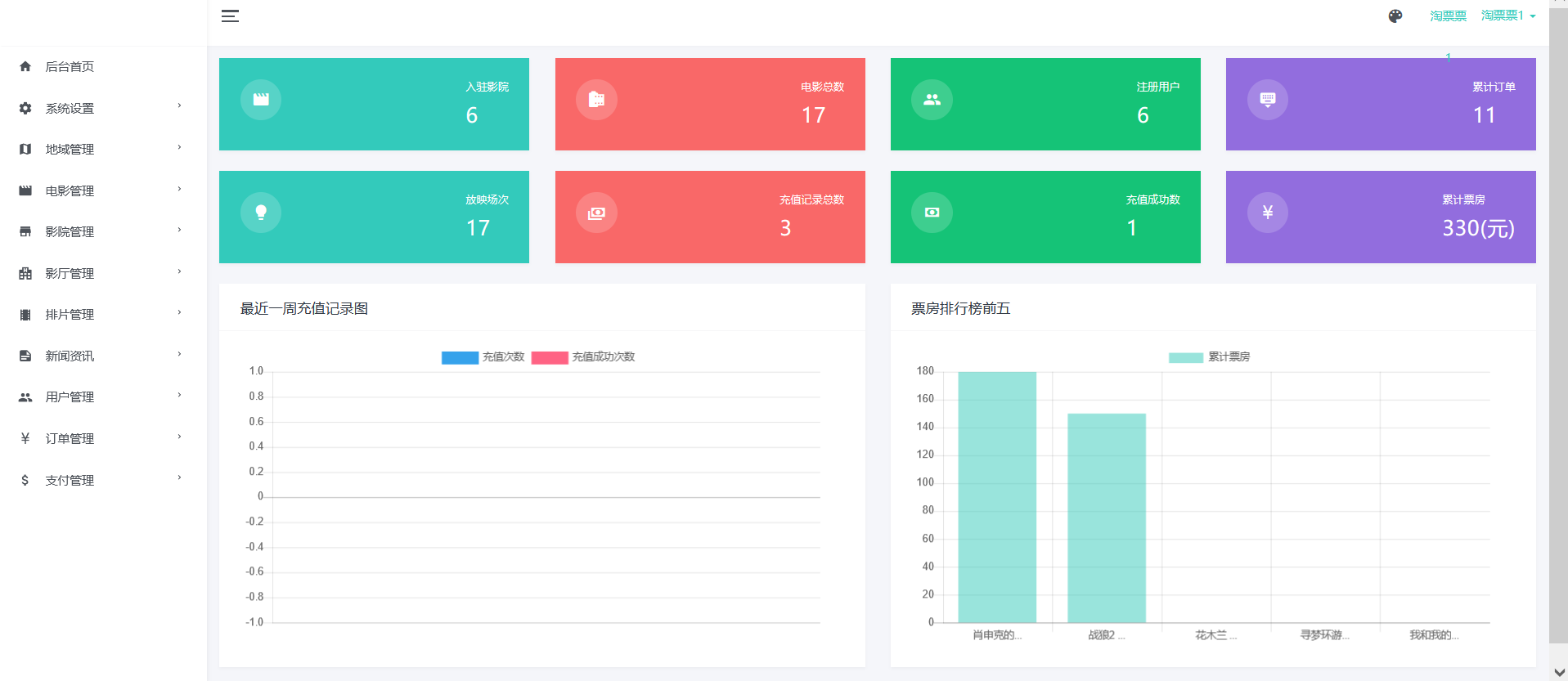
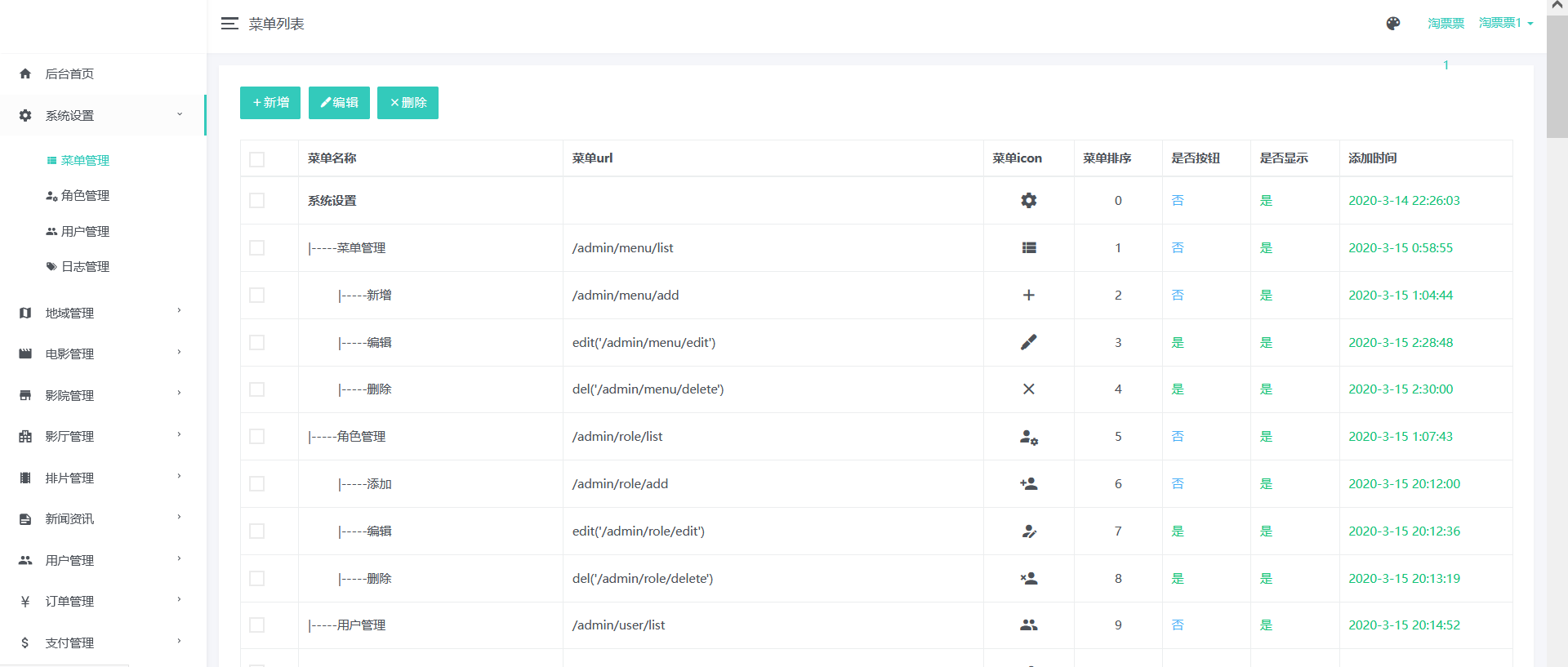
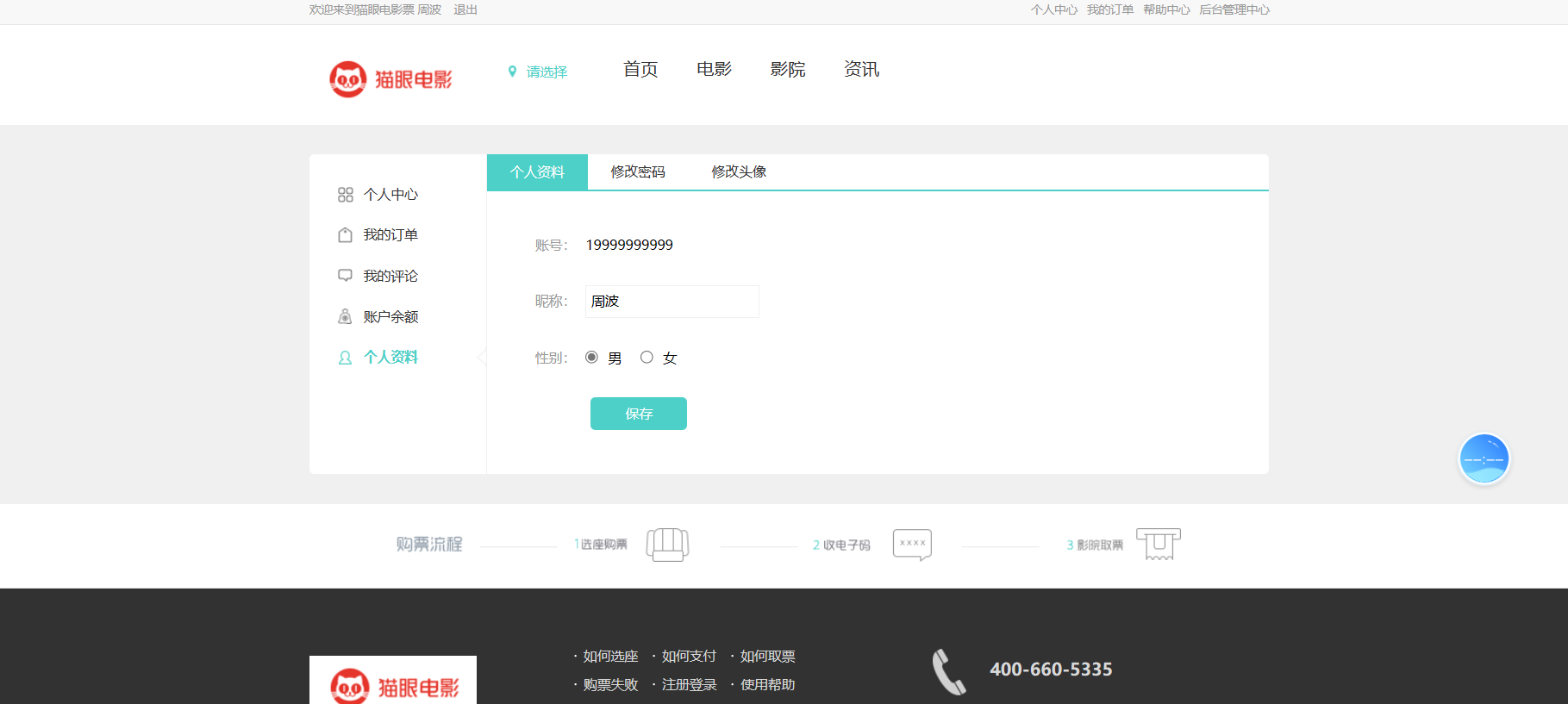
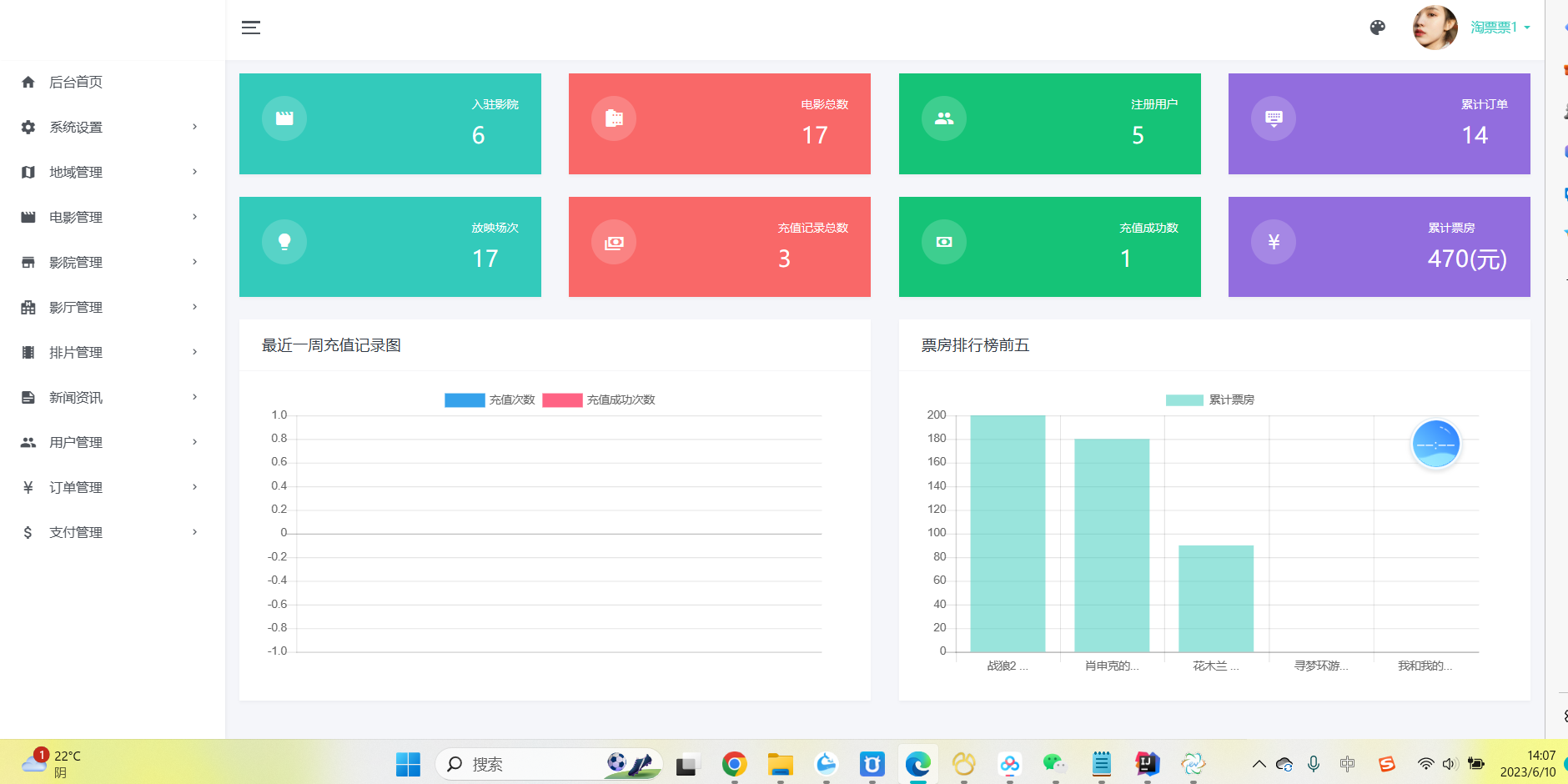
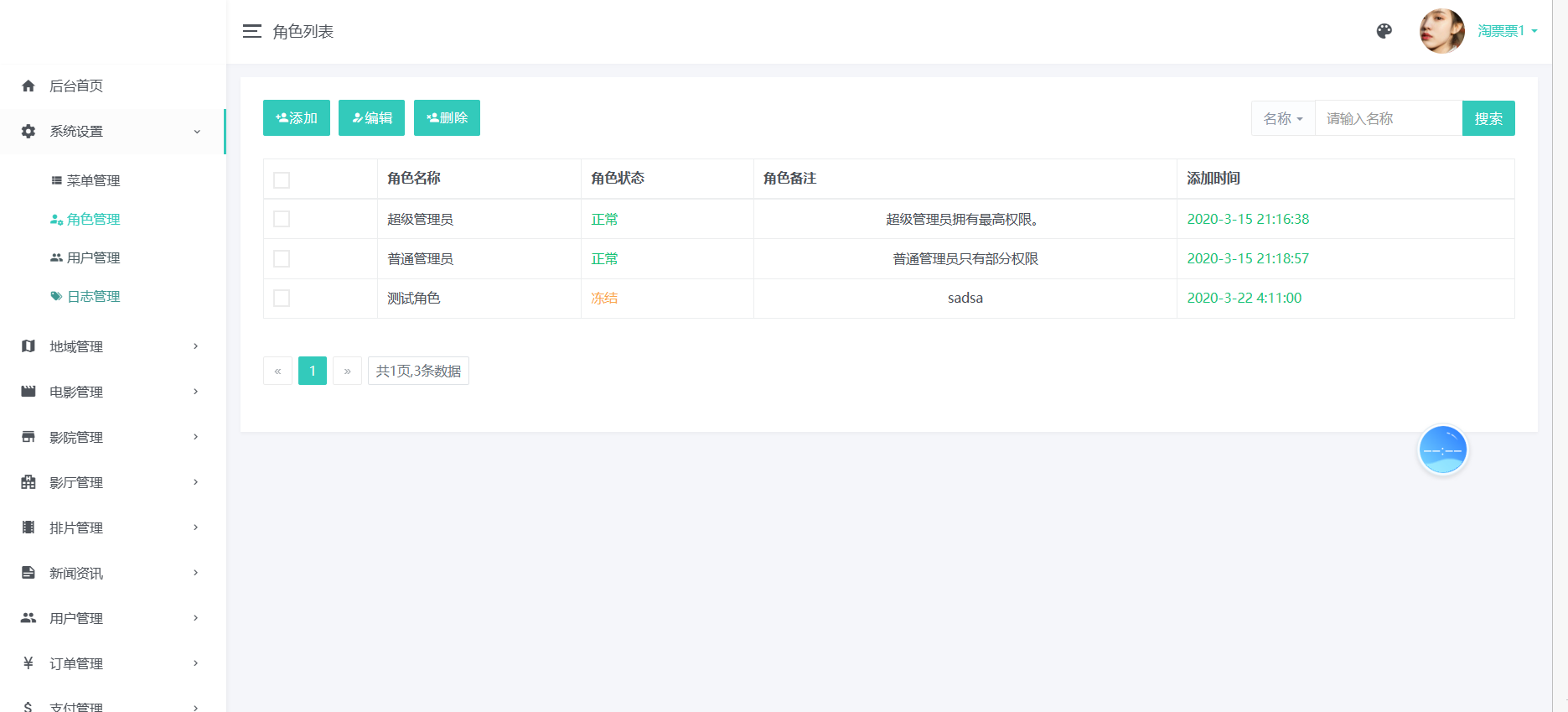
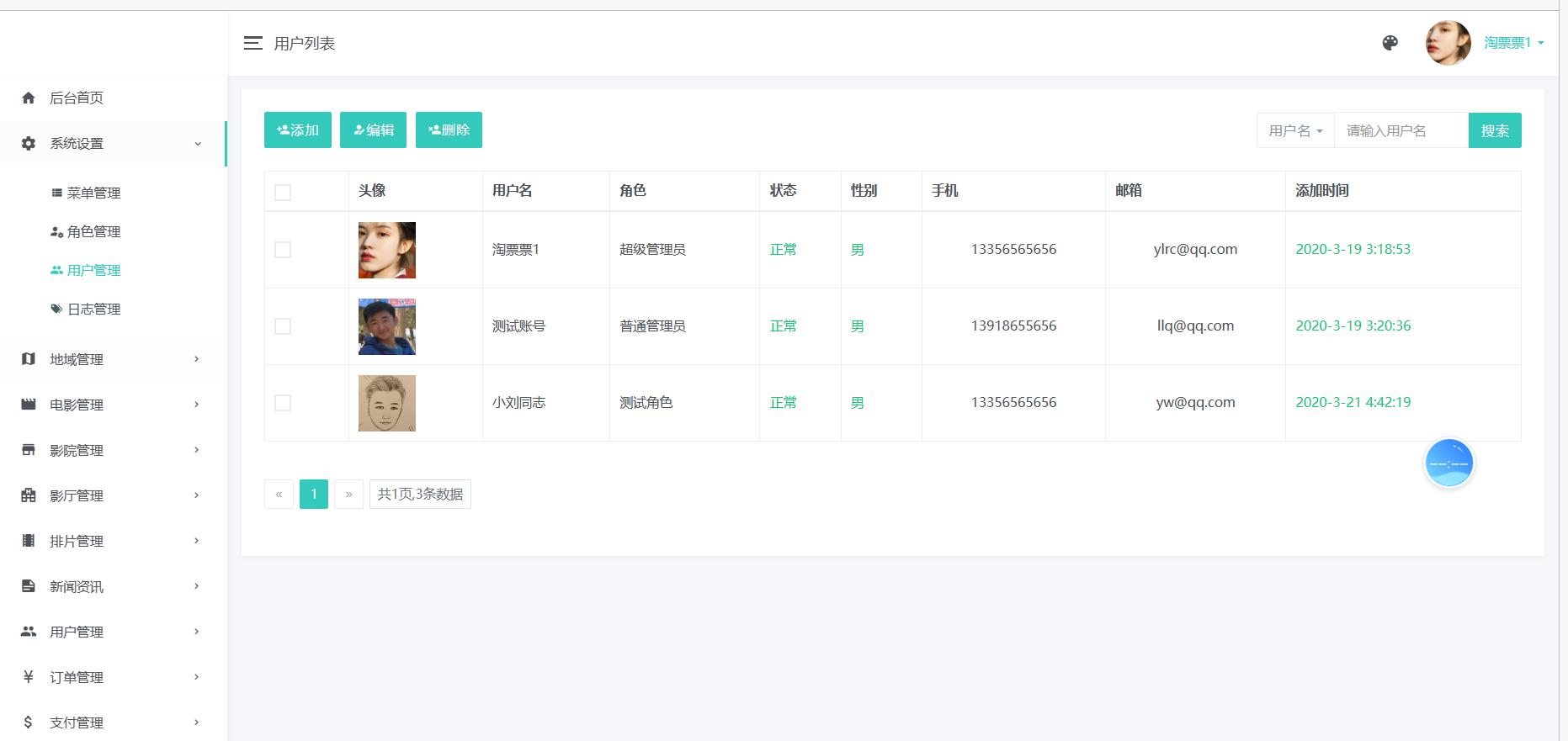
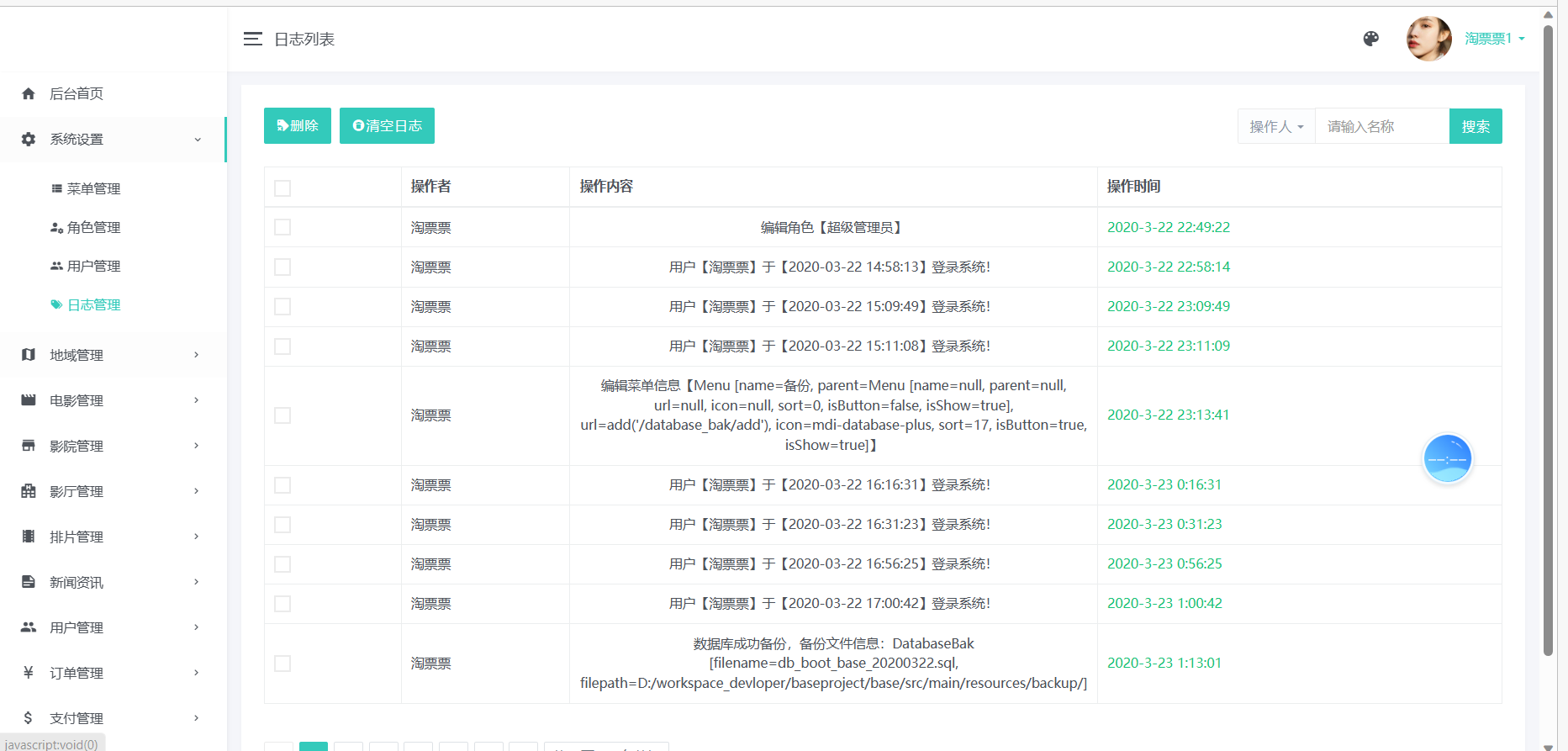
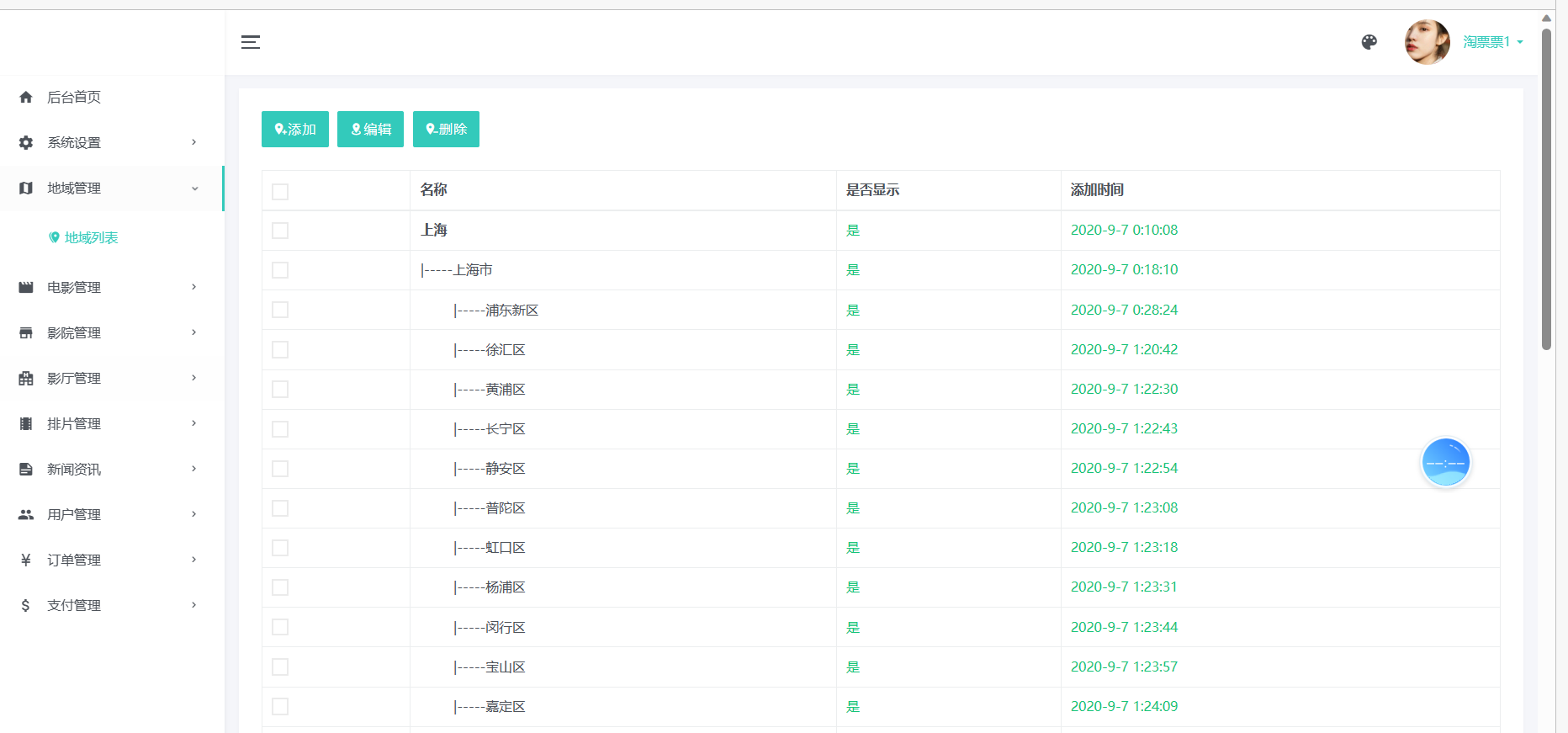
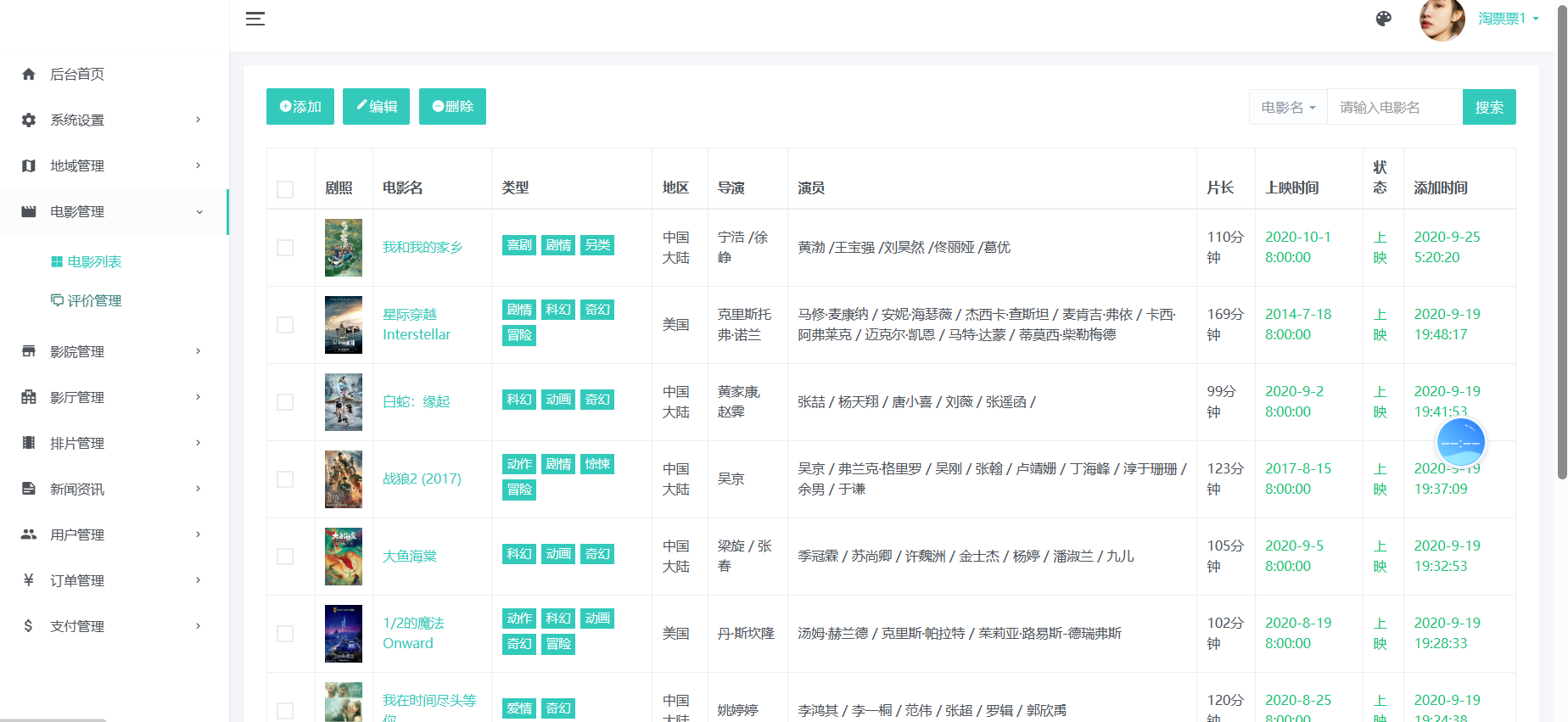
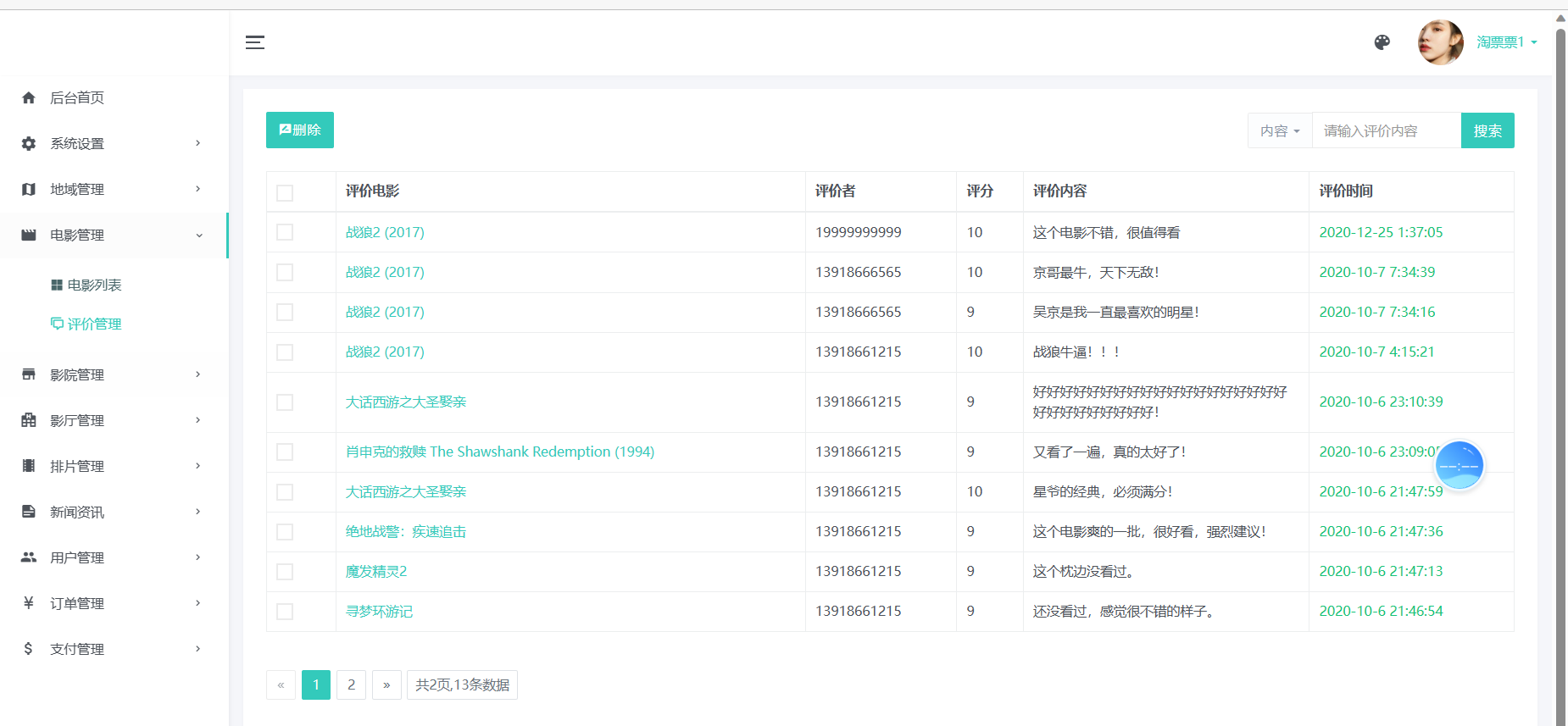
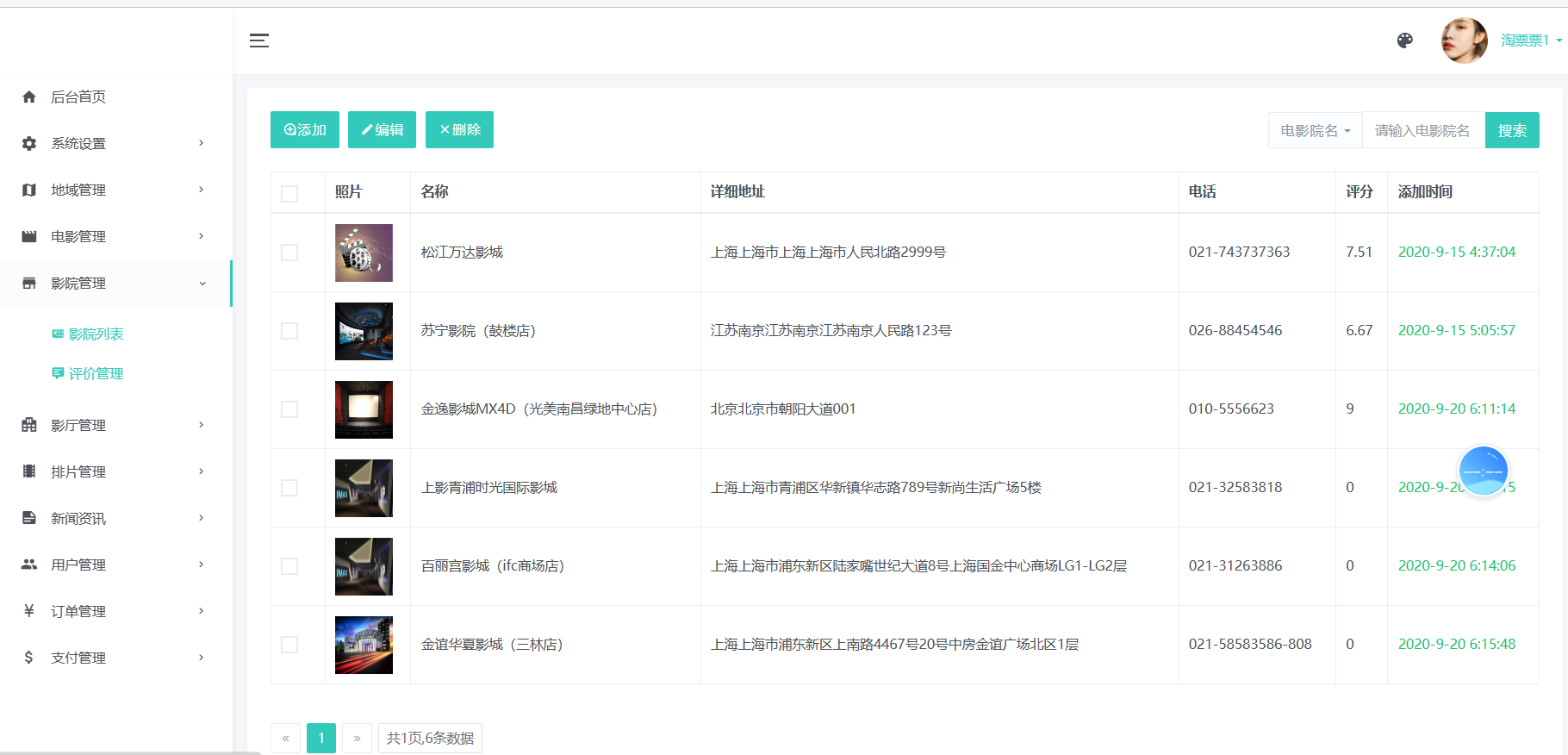
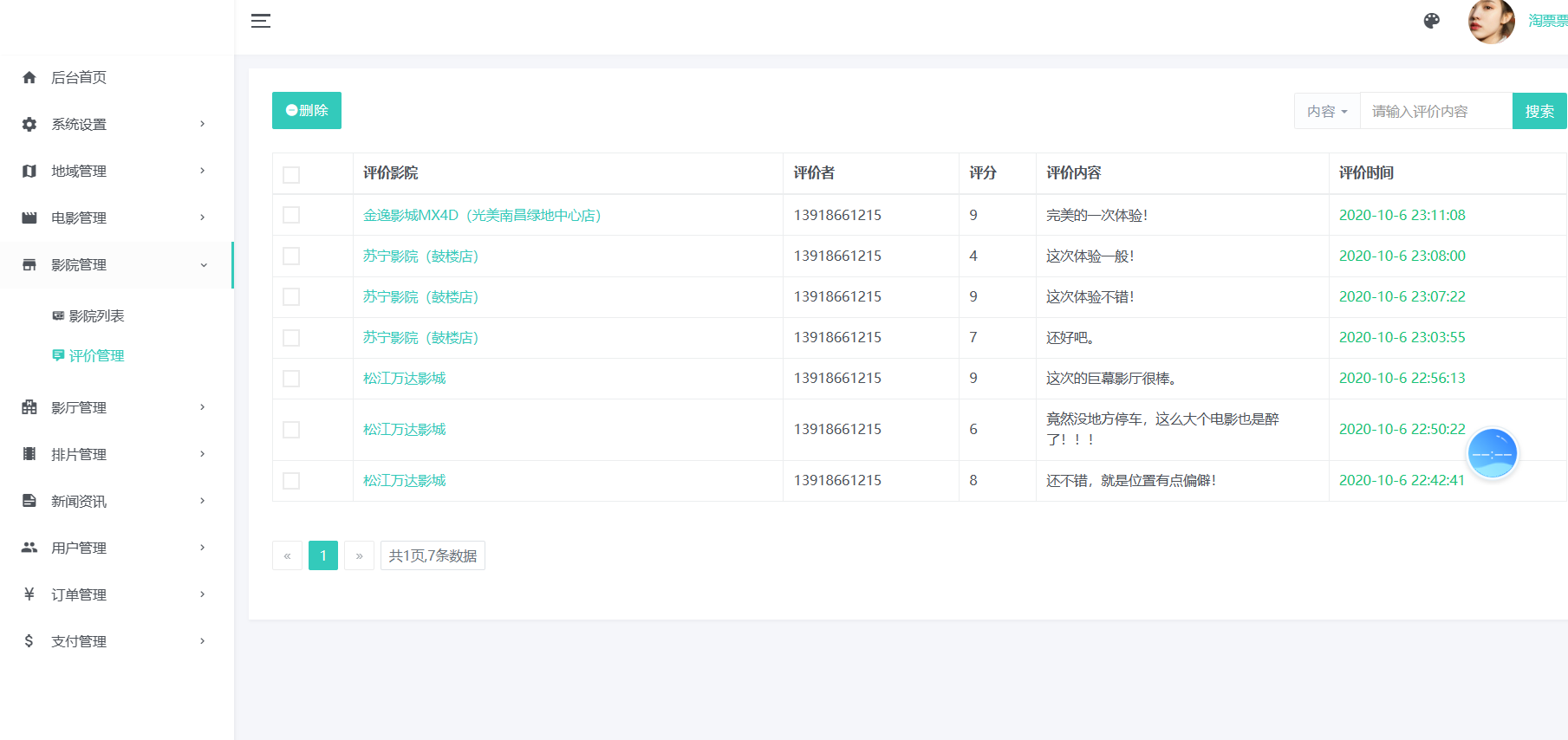
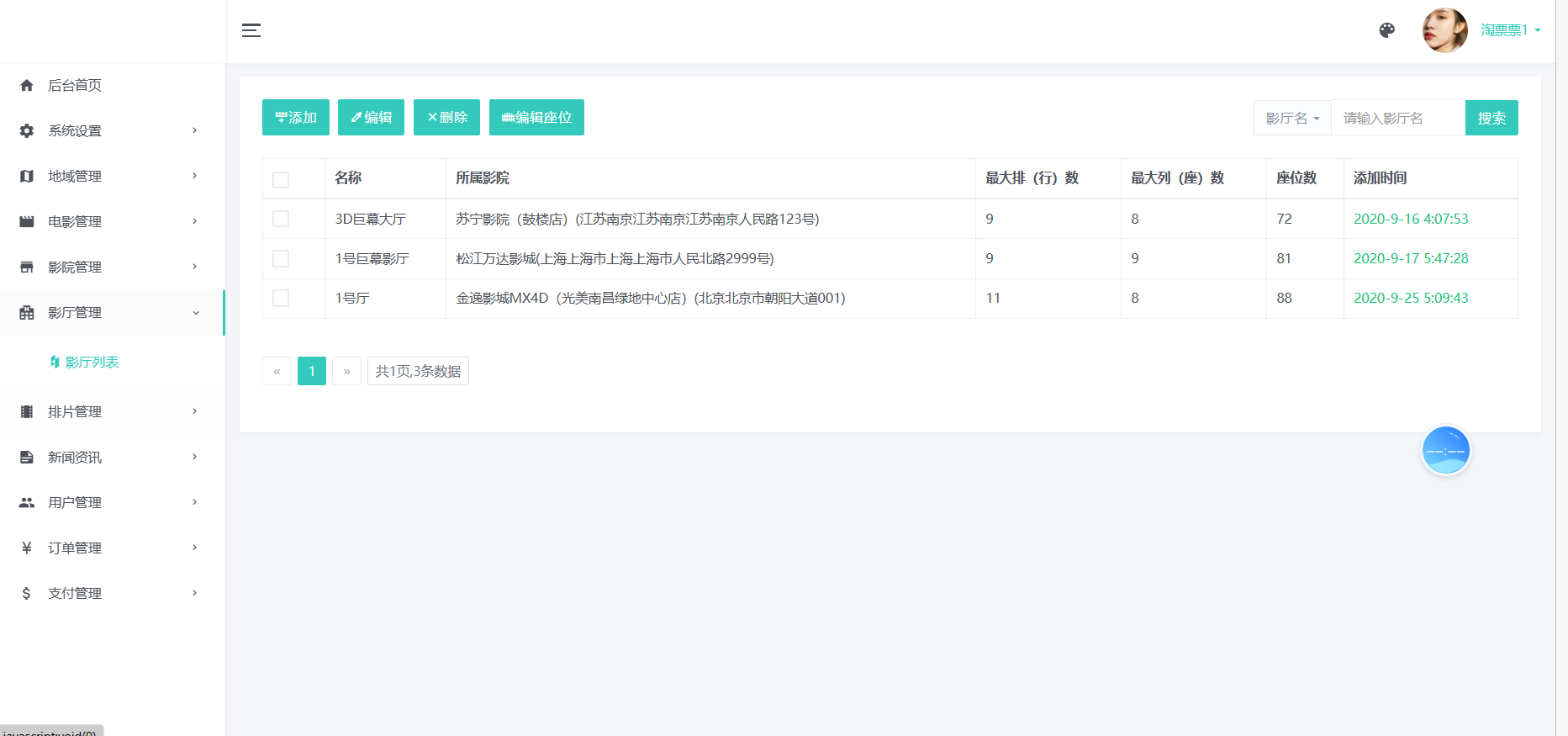
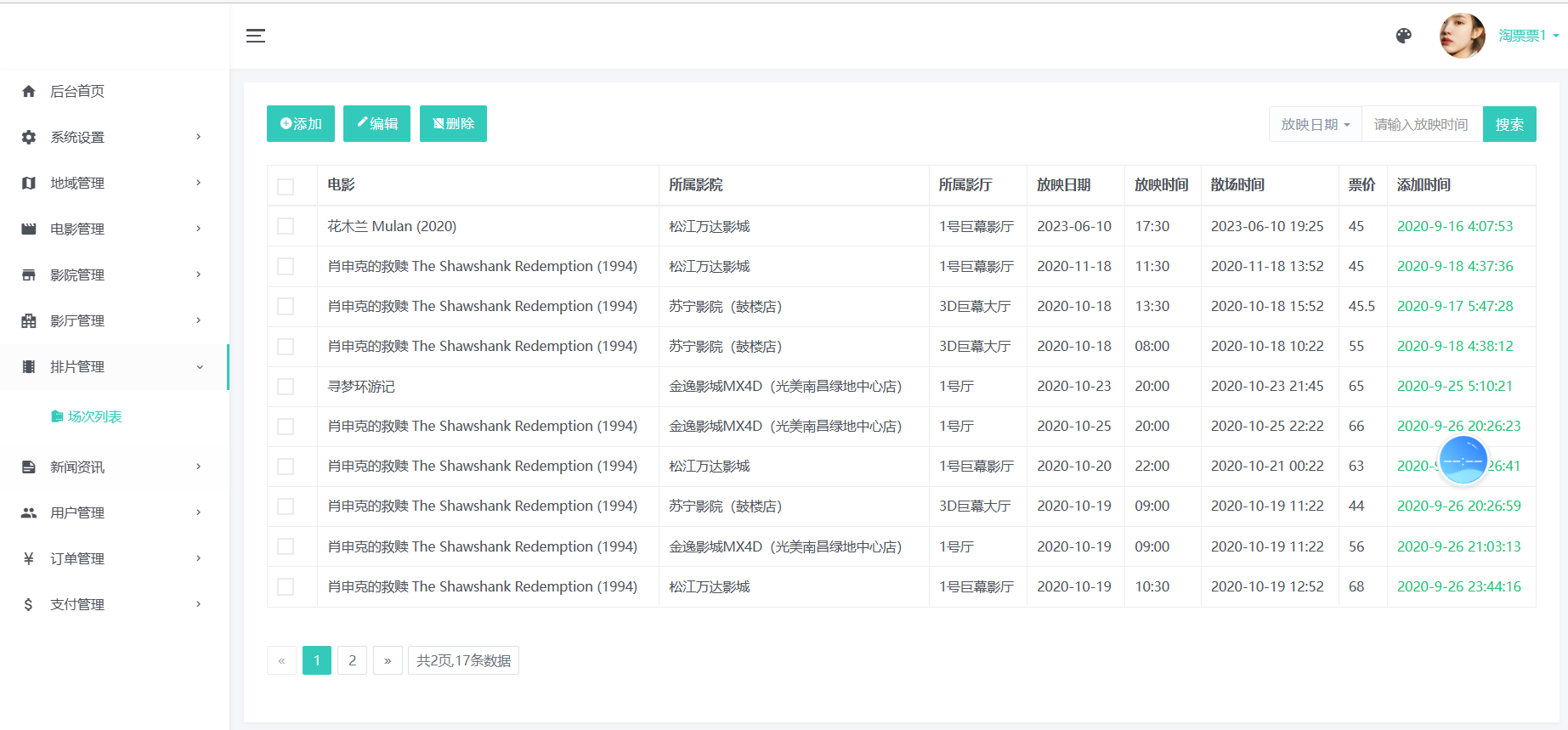
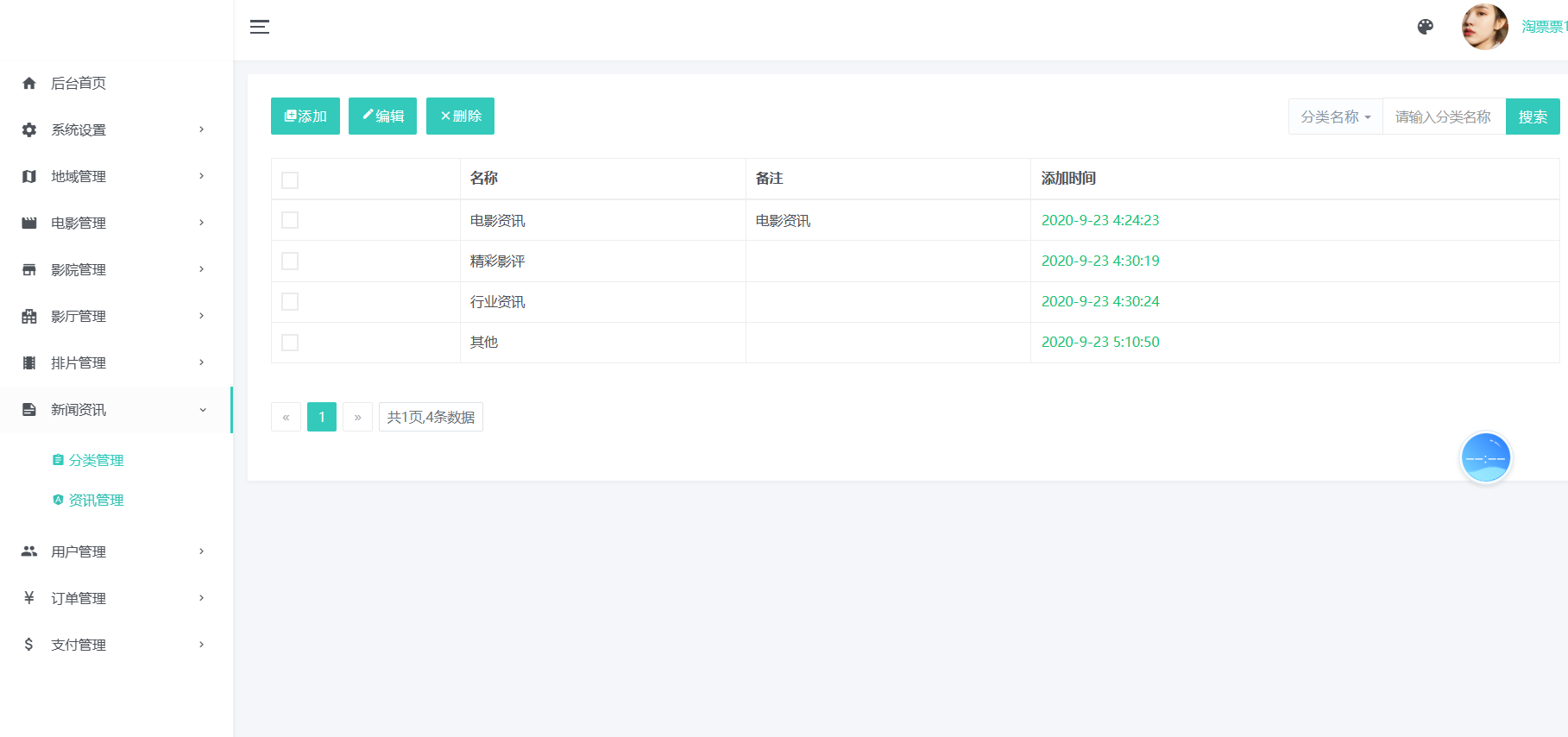
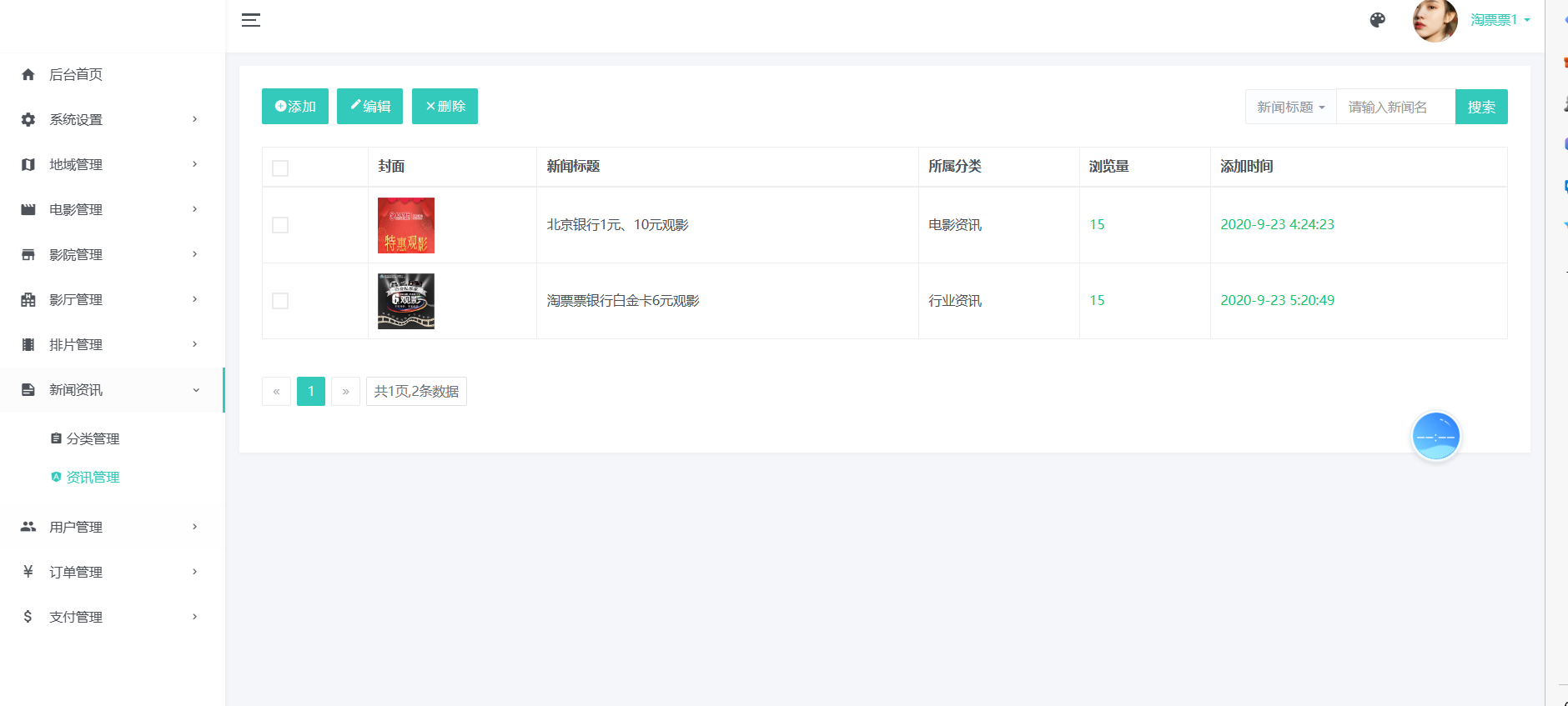
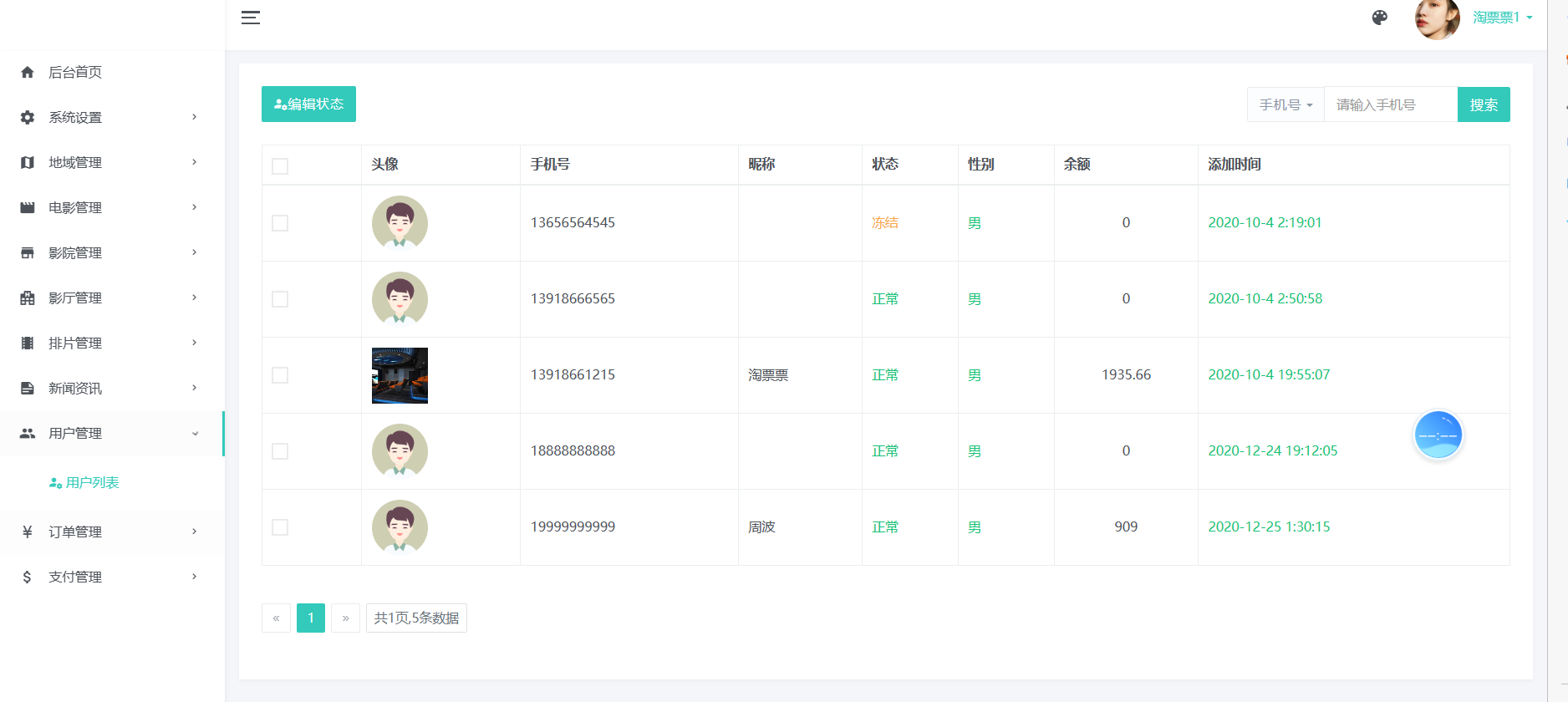
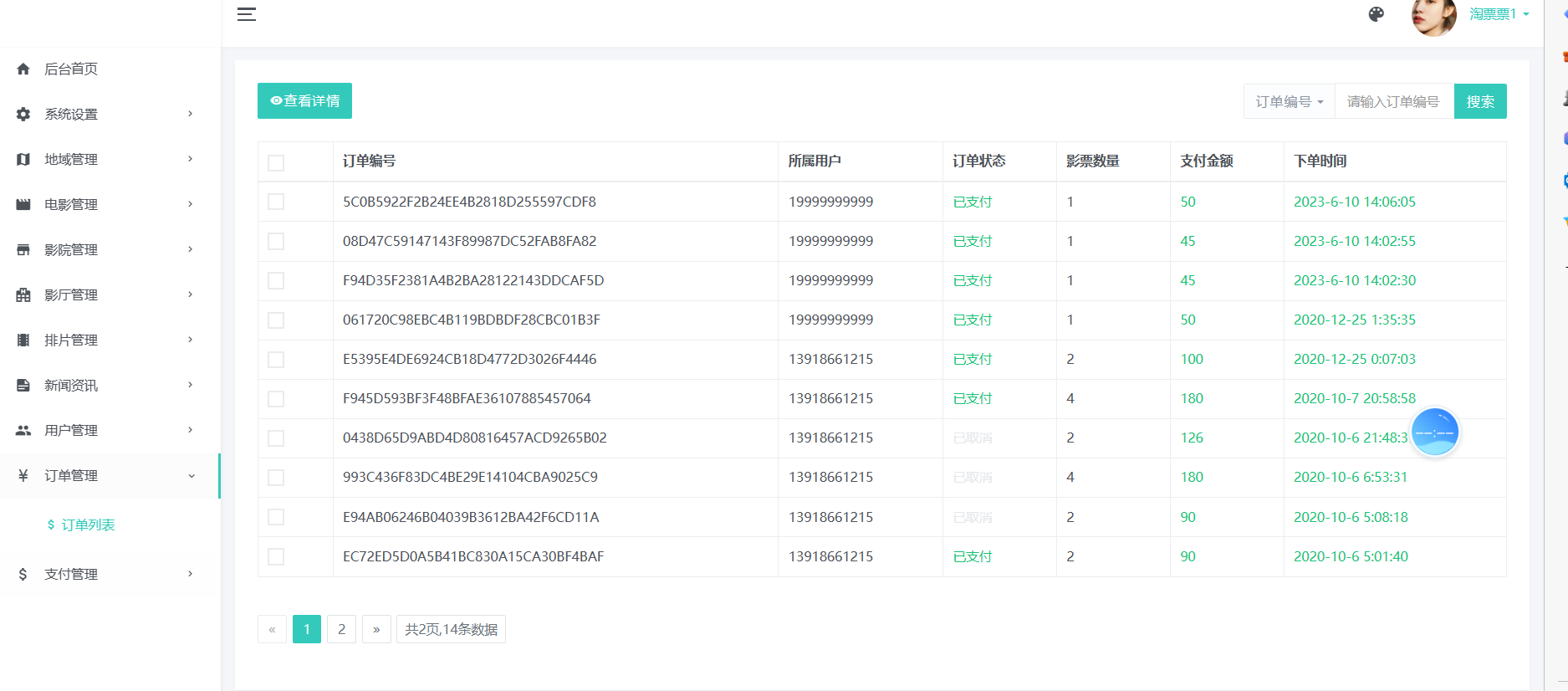
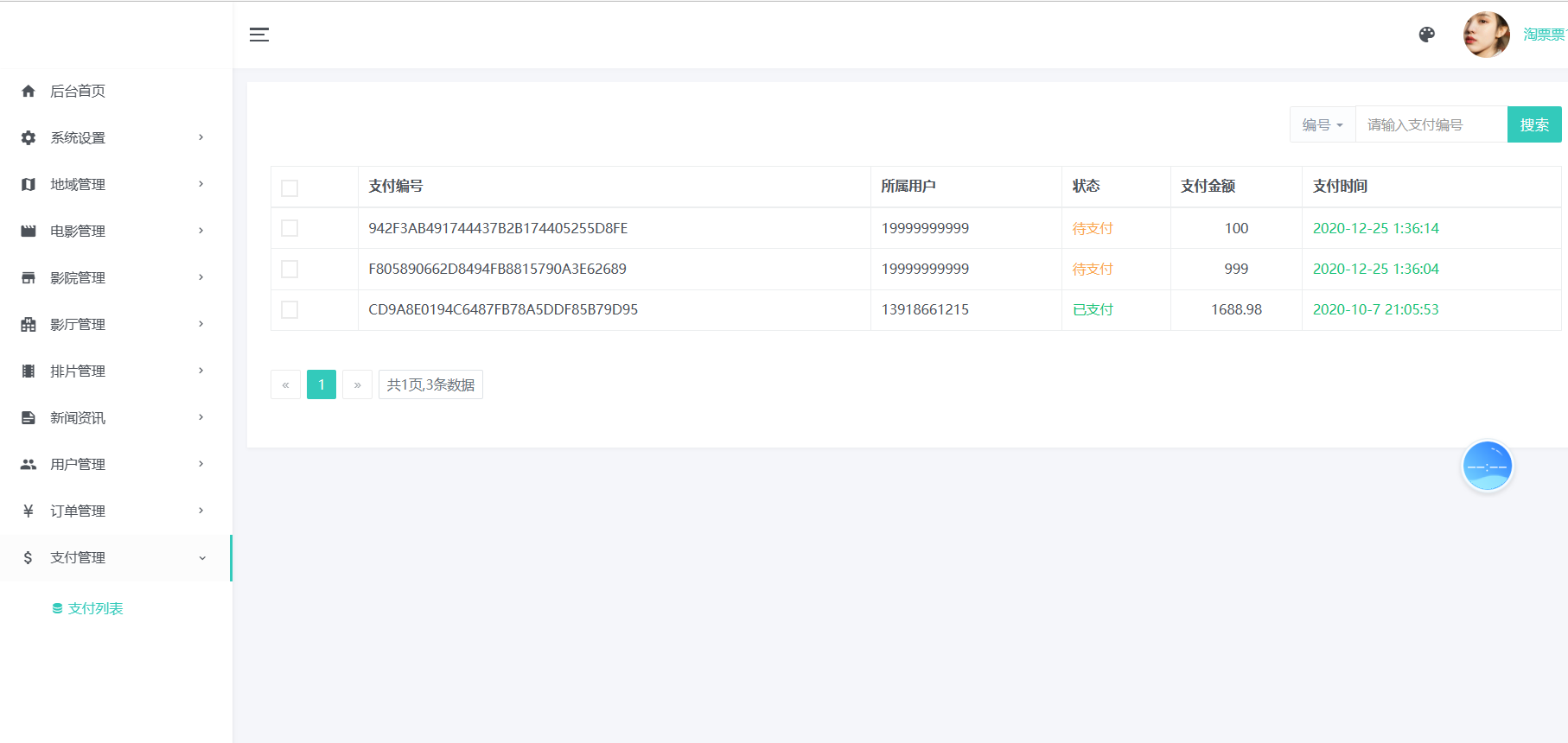
#### 2. 管理员系统
用登陆进入
## 项目访问 :
浏览器访问路径:http://localhost:8080/
# 基于SpringBoot的现代化电影售票网站管理系统开发实践
## 引言
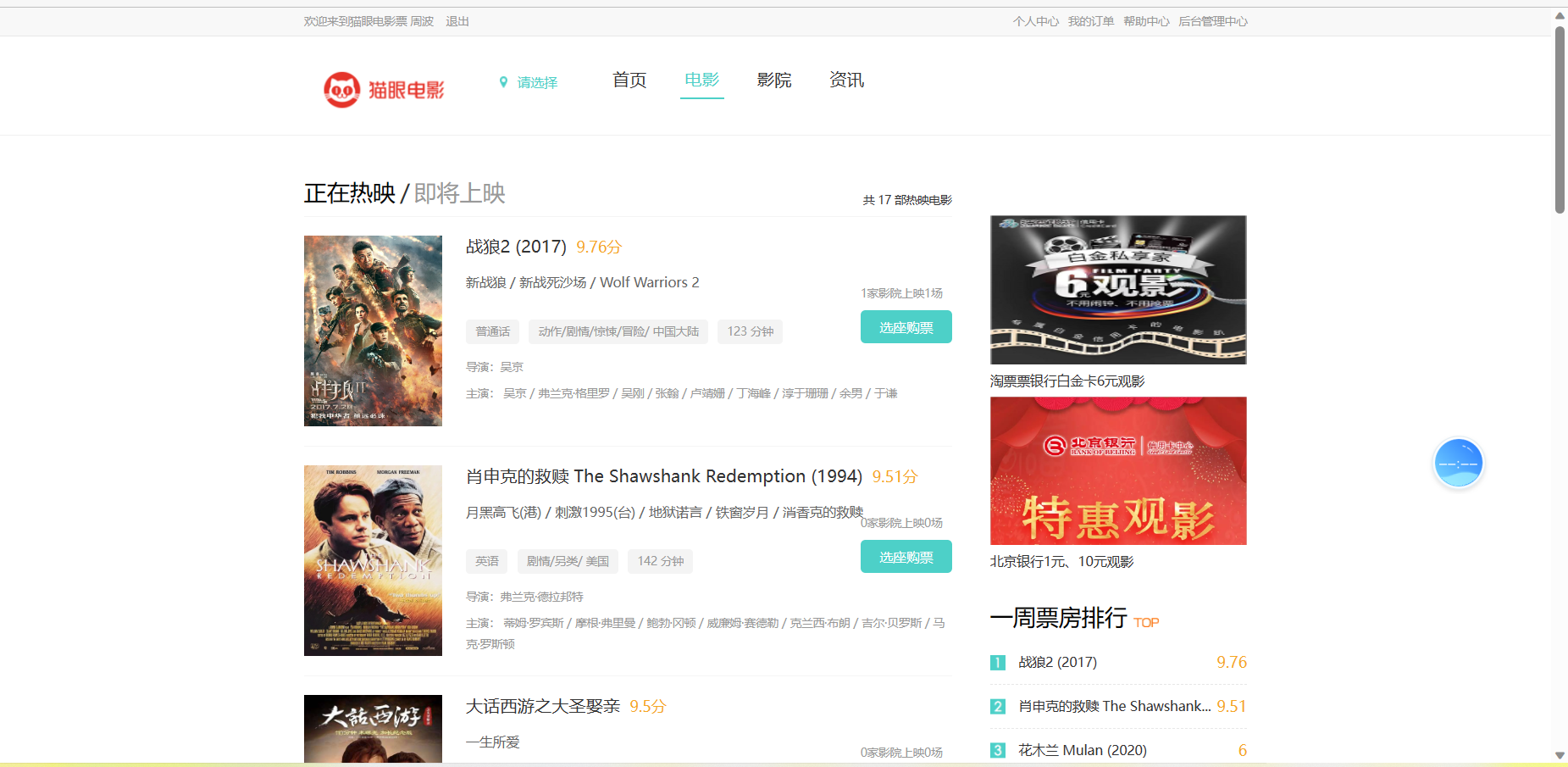
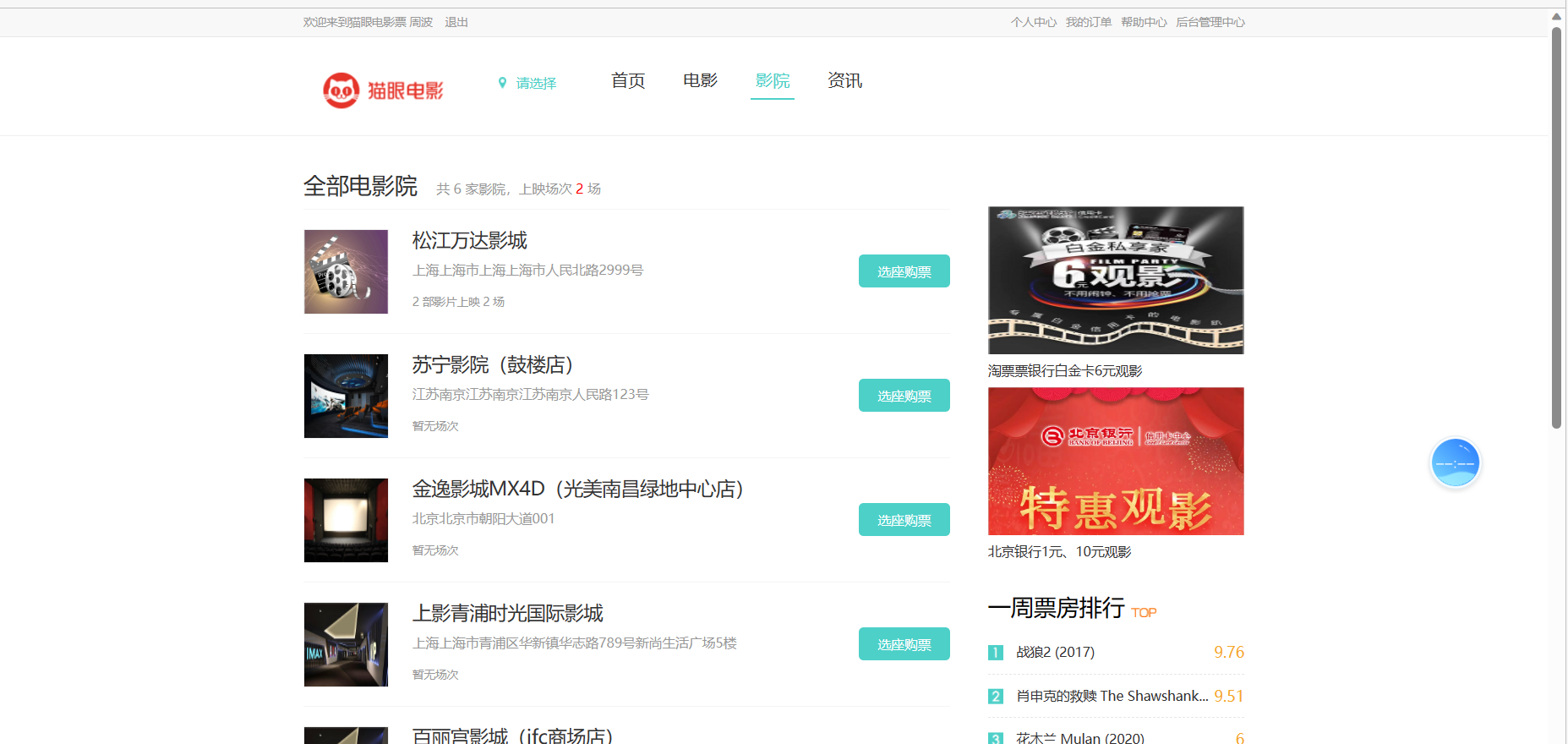
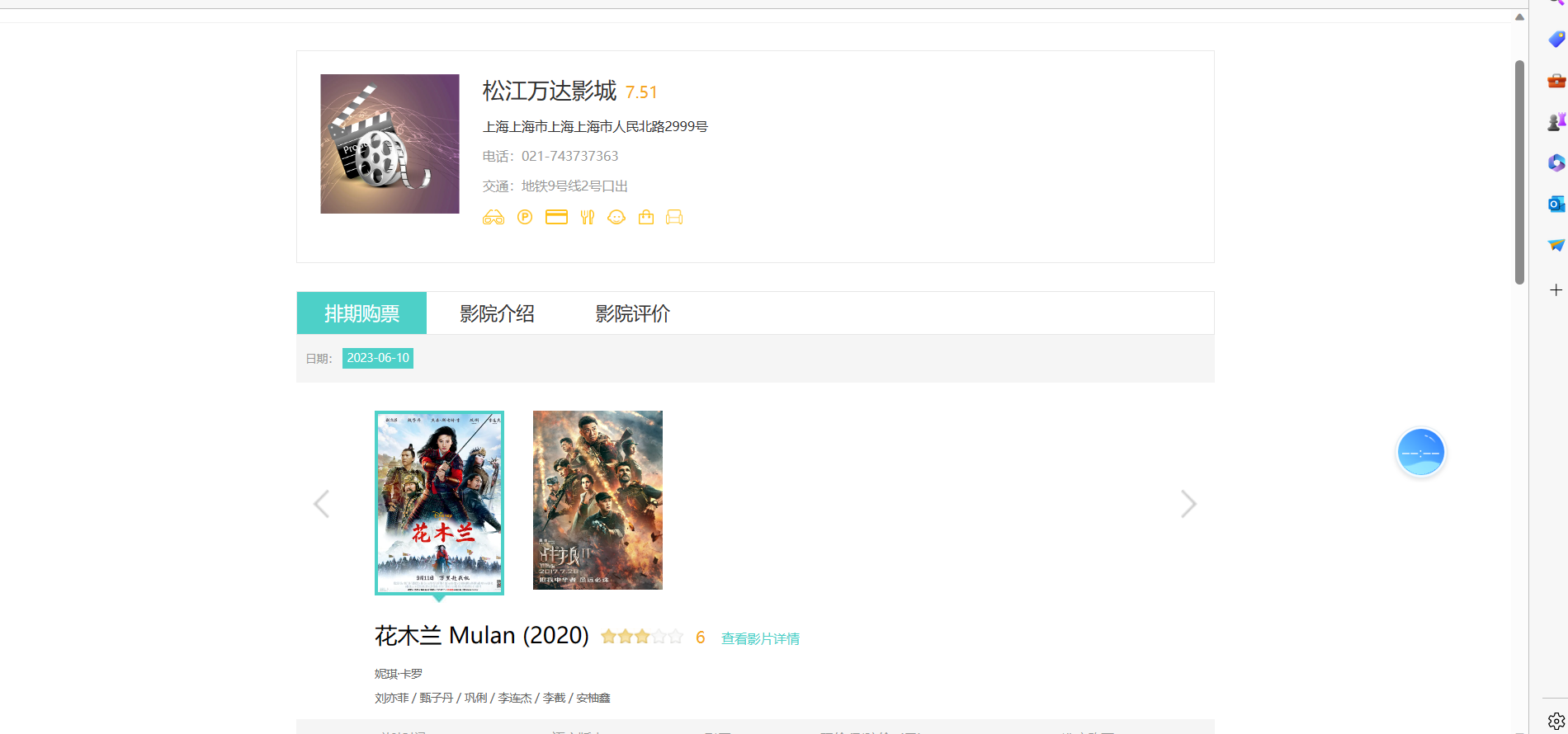
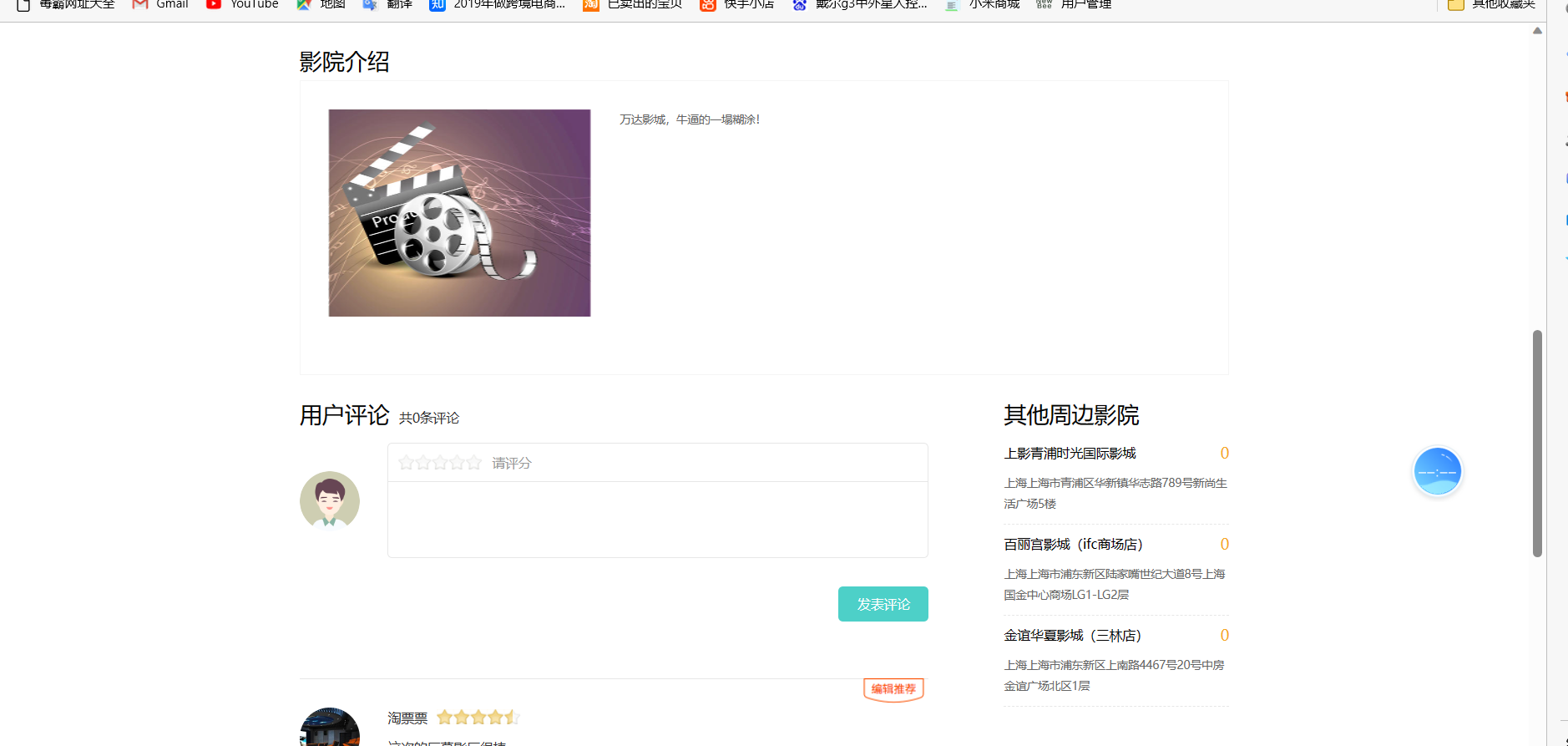
在数字化娱乐消费快速发展的今天,电影售票系统已成为影院运营的核心基础设施。本文将介绍一个基于SpringBoot+Freemarker的现代化电影售票网站管理系统开发实践,项目整合了JPA、SpringMVC、Redis等核心组件,实现从影片管理到在线选座购票的全流程功能,适合有一定Java基础的开发者参考学习。
## 项目概述
该系统实现了电影院线管理的核心业务模块,包含:
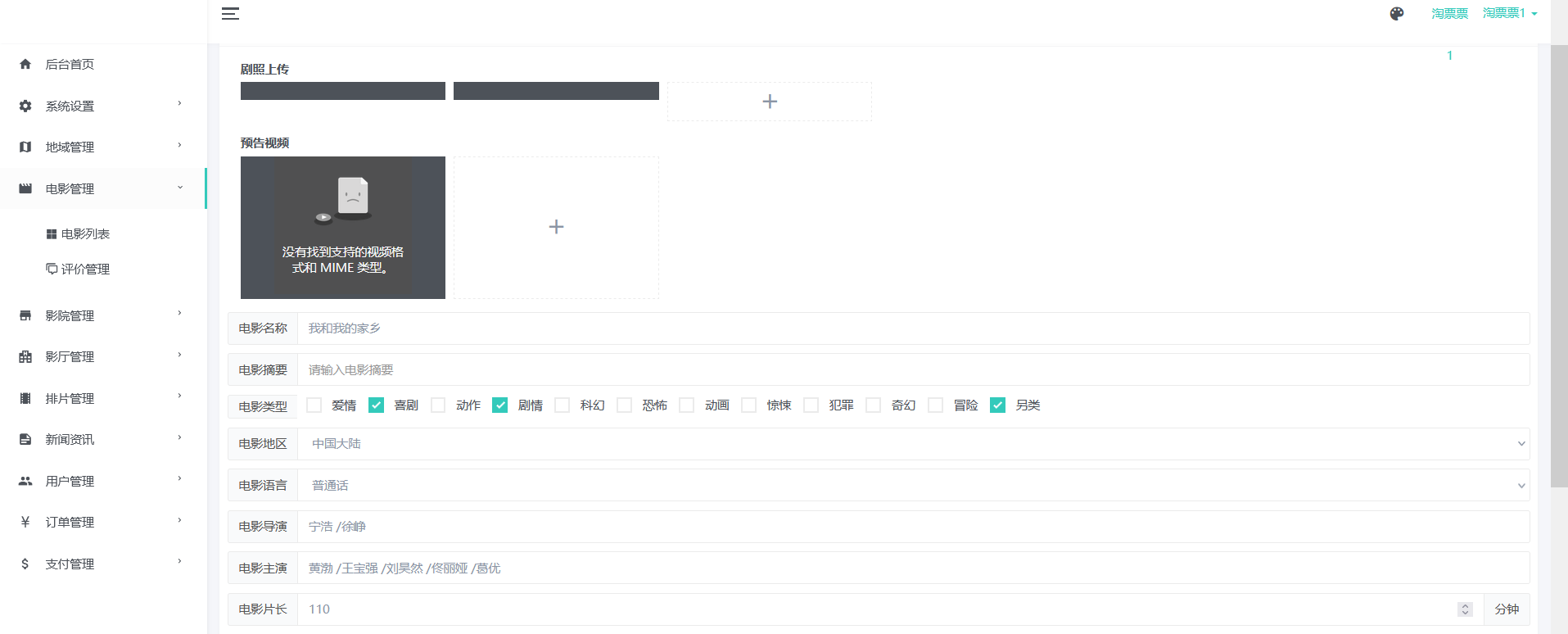
- **影片管理**:影片信息发布、排片管理、预告片上传
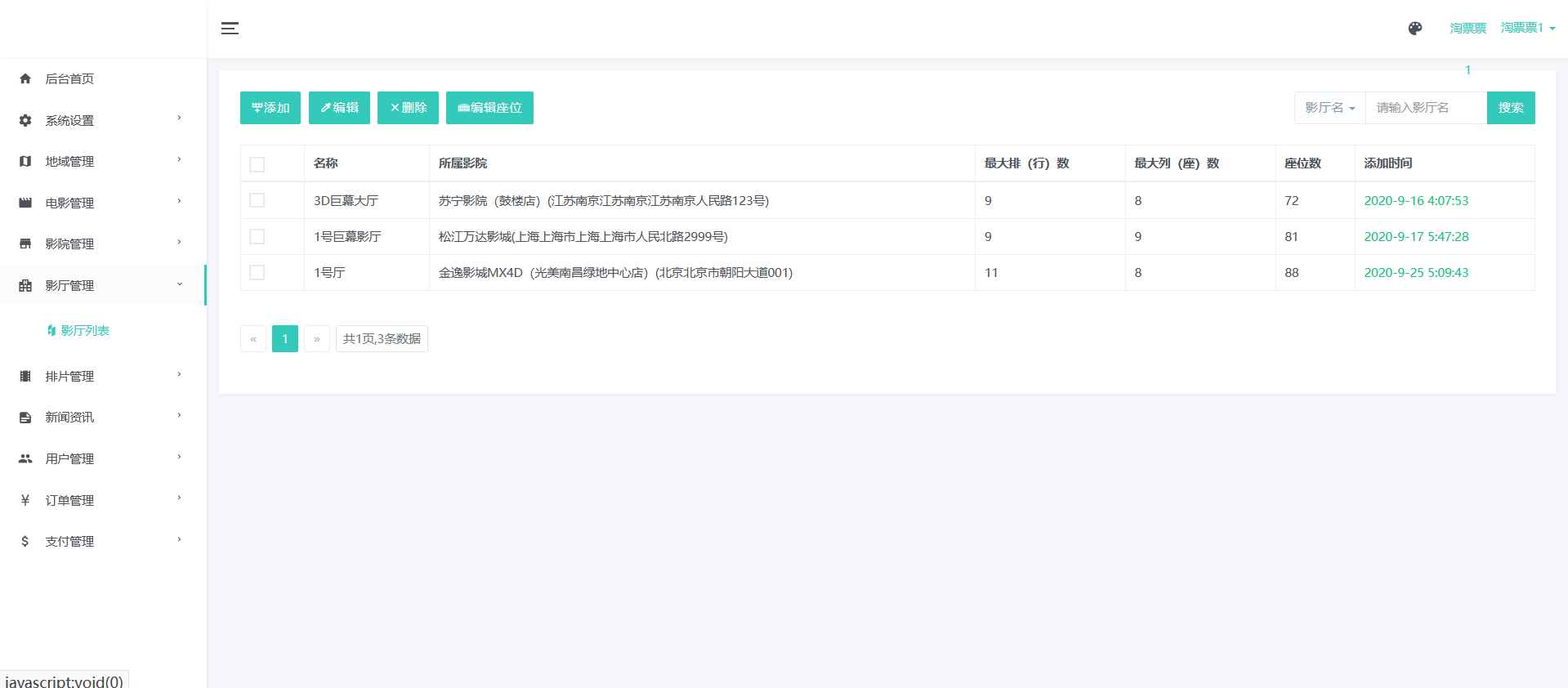
- **影厅管理**:影厅座位图配置、影厅类型设置
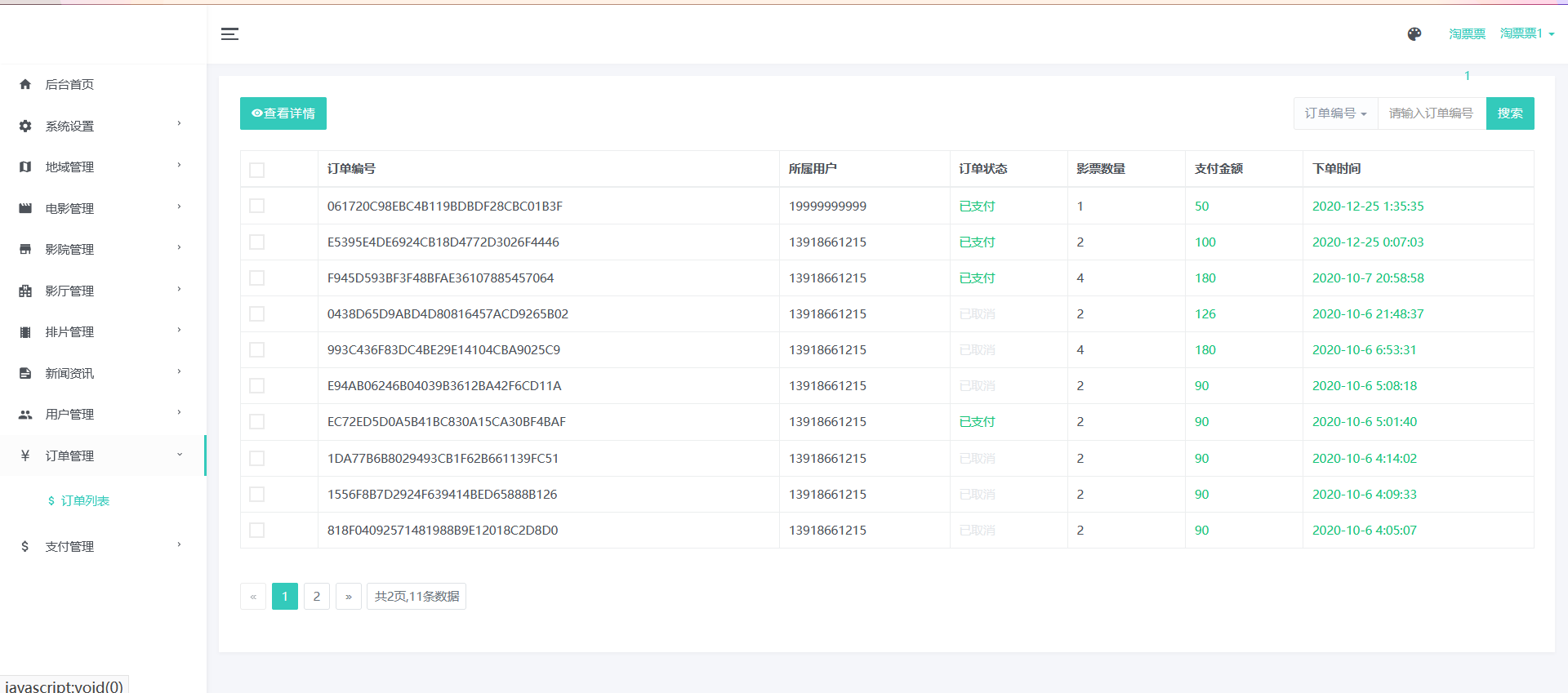
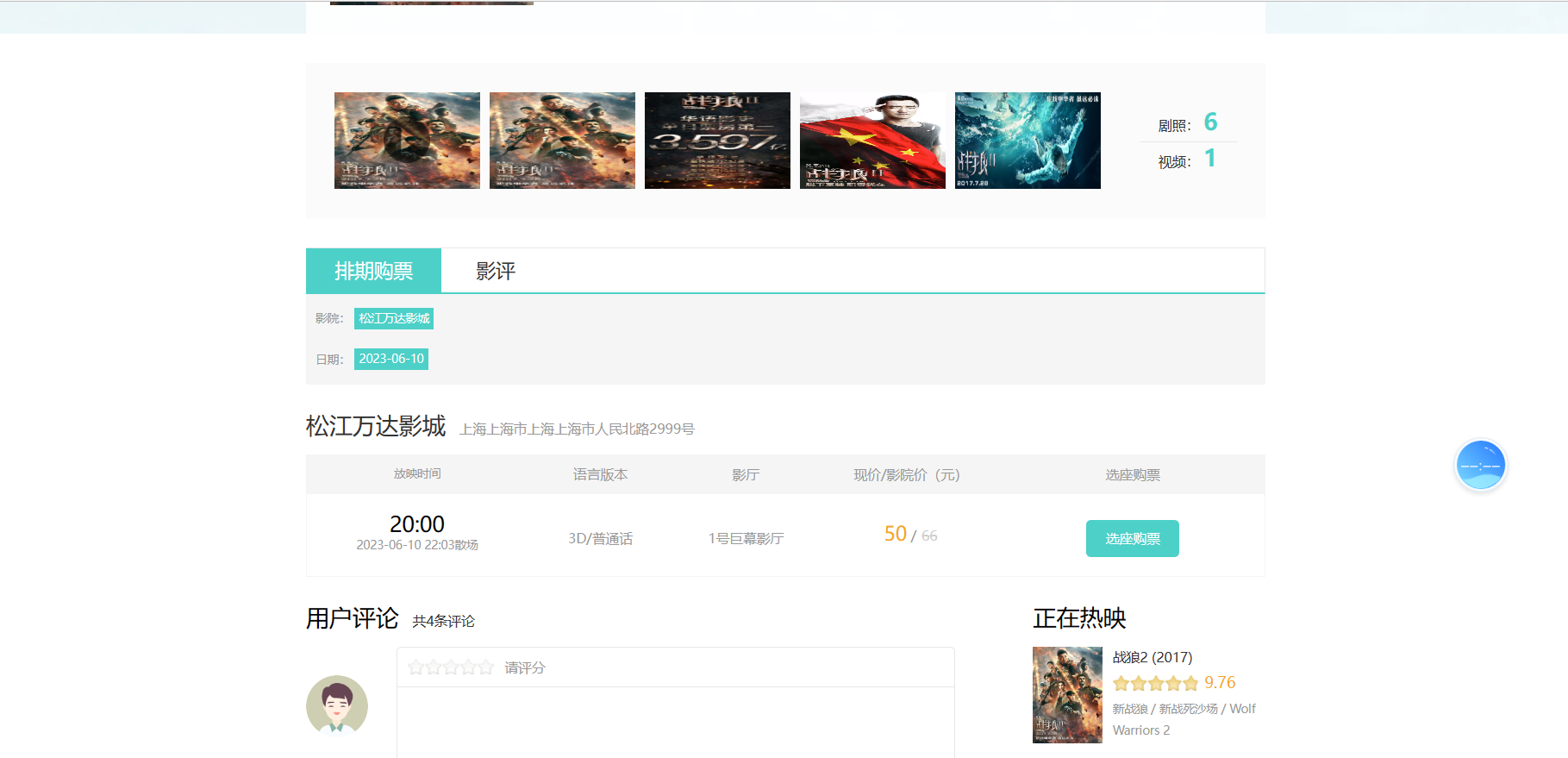
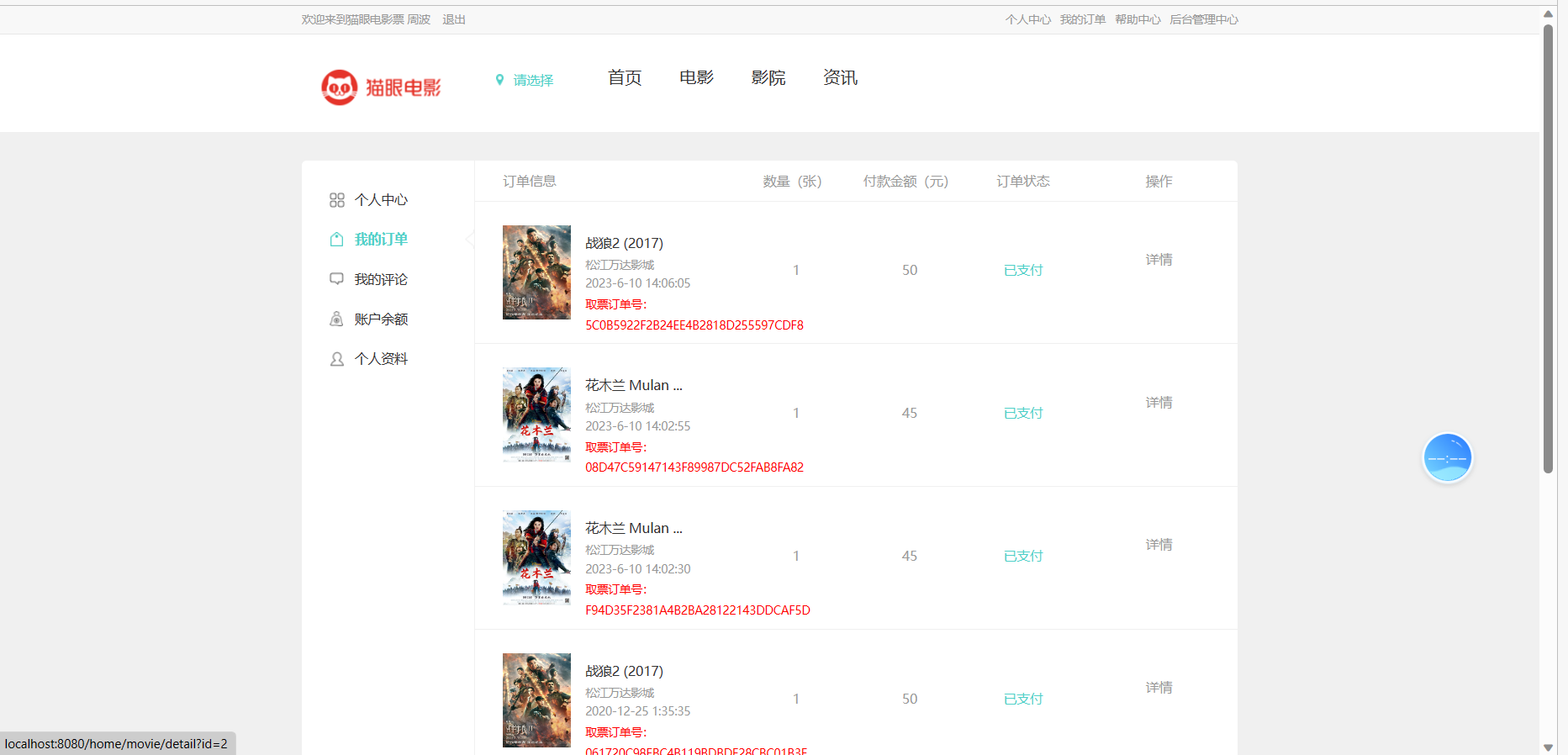
- **订单系统**:在线选座购票、退票改签、订单查询
- **会员体系**:会员等级、积分管理、优惠券发放
- **数据分析**:票房统计、上座率分析、热门影片排行
- **系统管理**:权限控制、操作日志、数据备份
## 技术选型分析
### 前端技术栈
- **UI框架**:Bootstrap 4 + AdminLTE(后台模板)
- **前端组件**:Element UI(部分模块)
- **视图技术**:Freemarker(模板引擎)
- **交互增强**:jQuery 3.x + Axios(AJAX请求)
- **图表展示**:ECharts(数据可视化)
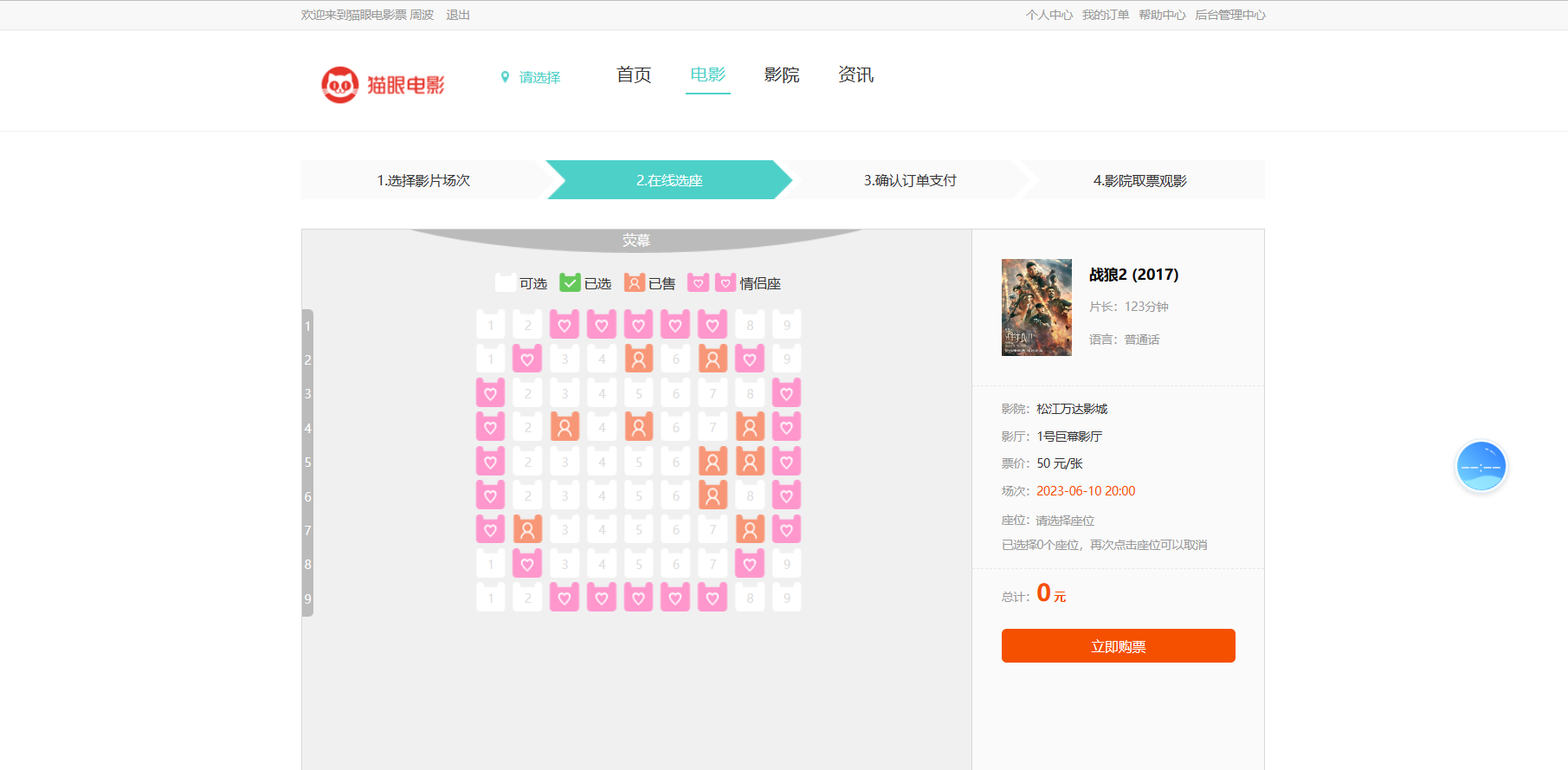
- **座位选择**:自定义SVG座位图组件
### 后端技术栈
- **核心框架**:SpringBoot 2.7.x
- **持久层**:Spring Data JPA + Hibernate
- **缓存中间件**:Redis(用于热门场次座位锁定)
- **安全框架**:Spring Security + JWT(待集成)
- **消息队列**:RabbitMQ(异步处理订单通知)
- **项目构建**:Maven 3.8+
- **数据库**:MySQL 8.0(InnoDB引擎)
### 开发环境配置
```
开发工具:IntelliJ IDEA Ultimate 2022.x
版本控制:Git 2.35+
数据库工具:Navicat Premium 16+
API测试:Postman 9.x
服务器:Tomcat 9.0(内置)
JDK版本:1.8.0_341+
```
## 核心开发流程
### 1. 项目初始化
```bash
# 使用Spring Initializr快速生成项目结构
# 必选依赖:
- Spring Web
- Spring Data JPA
- Freemarker Template
- MySQL Driver
- Lombok
- Redis (Spring Data Redis)
```
### 2. 数据库设计规范
**核心表结构示例**:
```sql
-- 影片表
CREATE TABLE `movie` (
`id` bigint NOT NULL AUTO_INCREMENT,
`title` varchar(100) NOT NULL COMMENT '影片名称',
`duration` int NOT NULL COMMENT '时长(分钟)',
`director` varchar(50) DEFAULT NULL COMMENT '导演',
`actors` varchar(500) DEFAULT NULL COMMENT '主演',
`description` text COMMENT '影片简介',
`poster_url` varchar(255) DEFAULT NULL COMMENT '海报URL',
`status` tinyint NOT NULL DEFAULT '1' COMMENT '状态(1-上映中 2-即将上映 3-已下映)',
PRIMARY KEY (`id`)
) ENGINE=InnoDB DEFAULT CHARSET=utf8mb4;
-- 场次表
CREATE TABLE `show_schedule` (
`id` bigint NOT NULL AUTO_INCREMENT,
`movie_id` bigint NOT NULL COMMENT '影片ID',
`hall_id` bigint NOT NULL COMMENT '影厅ID',
`start_time` datetime NOT NULL COMMENT '开始时间',
`end_time` datetime GENERATED ALWAYS AS (date_add(`start_time`, INTERVAL `duration` MINUTE)) STORED COMMENT '结束时间',
`price` decimal(8,2) NOT NULL COMMENT '票价',
PRIMARY KEY (`id`)
) ENGINE=InnoDB DEFAULT CHARSET=utf8mb4;
-- 座位表
CREATE TABLE `seat` (
`id` bigint NOT NULL AUTO_INCREMENT,
`hall_id` bigint NOT NULL COMMENT '影厅ID',
`row_num` tinyint NOT NULL COMMENT '排号',
`col_num` tinyint NOT NULL COMMENT '列号',
`status` tinyint NOT NULL DEFAULT '0' COMMENT '状态(0-可用 1-已售 2-维修中)',
PRIMARY KEY (`id`),
UNIQUE KEY `uk_hall_position` (`hall_id`,`row_num`,`col_num`)
) ENGINE=InnoDB DEFAULT CHARSET=utf8mb4;
```
### 3. 典型分层实现
**Model层示例**:
```java
@Data
@Entity
@Table(name = "show_schedule")
public class ShowSchedule {
@Id
@GeneratedValue(strategy = GenerationType.IDENTITY)
private Long id;
@ManyToOne
@JoinColumn(name = "movie_id")
private Movie movie;
@ManyToOne
@JoinColumn(name = "hall_id")
private CinemaHall hall;
@Column(name = "start_time", nullable = false)
private LocalDateTime startTime;
@Transient
public LocalDateTime getEndTime() {
return this.startTime.plusMinutes(movie.getDuration());
}
@Column(name = "price", precision = 8, scale = 2)
private BigDecimal price;
@OneToMany(mappedBy = "schedule")
private List<TicketOrder> tickets = new ArrayList<>();
}
```
**Controller层示例**:
```java
@Controller
@RequestMapping("/schedule")
public class ScheduleController {
@Autowired
private ScheduleService scheduleService;
@GetMapping("/list")
public String list(Model model,
@RequestParam(required = false) Long movieId,
@RequestParam(defaultValue = "1") Integer pageNum) {
PageInfo<ShowScheduleDTO> pageInfo = scheduleService.findPage(
movieId, pageNum, 10);
model.addAttribute("pageInfo", pageInfo);
model.addAttribute("movieList", movieService.findShowingMovies());
return "schedule/list";
}
@PostMapping("/create")
@ResponseBody
public Result create(@Valid @RequestBody ScheduleCreateDTO dto) {
scheduleService.createSchedule(dto);
return Result.success();
}
}
```
### 4. 关键配置说明
**application-dev.properties** 配置示例:
```properties
# 数据库配置
spring.datasource.url=jdbc:mysql://localhost:3306/cinema_system?useSSL=false&serverTimezone=Asia/Shanghai
spring.datasource.username=root
spring.datasource.password=123456
# JPA配置
spring.jpa.show-sql=true
spring.jpa.hibernate.ddl-auto=update
spring.jpa.properties.hibernate.format_sql=true
# Redis配置(用于座位锁定)
spring.redis.host=127.0.0.1
spring.redis.port=6379
spring.redis.database=0
# 文件上传配置
cinema.upload.path=D:/cinema/uploads/
spring.servlet.multipart.max-file-size=20MB
spring.servlet.multipart.max-request-size=50MB
# Freemarker配置
spring.freemarker.template-loader-path=classpath:/templates/
spring.freemarker.suffix=.ftl
spring.freemarker.content-type=text/html
spring.freemarker.request-context-attribute=rc
```
## 特色功能实现
### 1. 动态座位选择组件
```javascript
// 基于SVG的座位图实现
function renderSeatMap(hallData) {
const svgNS = "http://www.w3.org/2000/svg";
const svg = document.createElementNS(svgNS, "svg");
svg.setAttribute("width", "100%");
svg.setAttribute("height", "500px");
svg.setAttribute("viewBox", `0 0 ${hallData.cols*40+100} ${hallData.rows*45+80}`);
// 绘制屏幕
const screen = document.createElementNS(svgNS, "rect");
screen.setAttribute("x", "50");
screen.setAttribute("y", "20");
screen.setAttribute("width", hallData.cols*40);
screen.setAttribute("height", "30");
screen.setAttribute("fill", "#333");
svg.appendChild(screen);
// 绘制座位
hallData.seats.forEach(seat => {
const seatGroup = document.createElementNS(svgNS, "g");
seatGroup.setAttribute("transform", `translate(${50+seat.col*40}, ${50+seat.row*45})`);
const seatRect = document.createElementNS(svgNS, "rect");
seatRect.setAttribute("width", "30");
seatRect.setAttribute("height", "35");
seatRect.setAttribute("rx", "3");
seatRect.setAttribute("ry", "3");
seatRect.setAttribute("class", `seat ${seat.status}`);
seatRect.setAttribute("data-seat-id", seat.id);
seatGroup.appendChild(seatRect);
svg.appendChild(seatGroup);
});
document.getElementById("seat-container").appendChild(svg);
}
```
### 2. 高并发座位锁定机制
**Redis锁实现**:
```java
@Service
public class SeatLockService {
@Autowired
private RedisTemplate<String, String> redisTemplate;
private static final String SEAT_LOCK_KEY = "seat:lock:schedule:%d";
private static final long LOCK_EXPIRE = 300; // 5分钟
public boolean tryLockSeats(Long scheduleId, List<Long> seatIds) {
String key = String.format(SEAT_LOCK_KEY, scheduleId);
String value = UUID.randomUUID().toString();
// 使用Redis的SETNX实现分布式锁
Boolean success = redisTemplate.opsForValue().setIfAbsent(
key, value, LOCK_EXPIRE, TimeUnit.SECONDS);
if (Boolean.TRUE.equals(success)) {
// 记录锁定的座位
seatIds.forEach(seatId -> {
redisTemplate.opsForSet().add(
key + ":seats", seatId.toString());
});
return true;
}
return false;
}
public void unlockSeats(Long scheduleId) {
String key = String.format(SEAT_LOCK_KEY, scheduleId);
redisTemplate.delete(key);
redisTemplate.delete(key + ":seats");
}
}
```
### 3. 实时票房统计看板
```javascript
// 使用ECharts实现实时数据看板
function initDashboard() {
const chart = echarts.init(document.getElementById('dashboard'));
const option = {
tooltip: {
trigger: 'axis'
},
legend: {
data: ['今日票房', '昨日票房', '同比变化']
},
grid: {
left: '3%',
right: '4%',
bottom: '3%',
containLabel: true
},
xAxis: {
type: 'category',
boundaryGap: false,
data: ['10:00', '12:00', '14:00', '16:00', '18:00', '20:00', '22:00']
},
yAxis: [
{
type: 'value',
name: '票房(万元)',
axisLabel: {
formatter: '{value}'
}
},
{
type: 'value',
name: '变化率',
axisLabel: {
formatter: '{value}%'
}
}
],
series: [
{
name: '今日票房',
type: 'line',
data: [3.2, 4.5, 6.8, 8.2, 9.5, 11.2, 12.8]
},
{
name: '昨日票房',
type: 'line',
data: [2.8, 4.0, 5.5, 7.0, 8.2, 9.5, 11.0]
},
{
name: '同比变化',
type: 'line',
yAxisIndex: 1,
data: [14.3, 12.5, 23.6, 17.1, 15.9, 17.9, 16.4]
}
]
};
chart.setOption(option);
// 定时刷新数据
setInterval(() => {
fetch('/api/dashboard/realtime')
.then(res => res.json())
.then(data => {
// 更新图表数据...
});
}, 30000);
}
```
## 部署与运维指南
### 1. 项目打包部署
```bash
# 使用Maven打包
mvn clean package -DskipTests -Pprod
# 运行jar包(生产环境)
nohup java -jar target/cinema-system-1.0.0.jar \
--spring.profiles.active=prod \
--server.port=8080 \
>> /var/log/cinema/app.log 2>&1 &
```
### 2. Nginx反向代理配置
```nginx
server {
listen 80;
server_name tickets.example.com;
# 静态资源缓存
location ~* \.(jpg|jpeg|png|gif|ico|css|js)$ {
expires 30d;
access_log off;
add_header Cache-Control "public";
}
# API代理
location /api/ {
proxy_pass http://127.0.0.1:8080/api/;
proxy_set_header Host $host;
proxy_set_header X-Real-IP $remote_addr;
proxy_set_header X-Forwarded-For $proxy_add_x_forwarded_for;
}
# 前端路由重写(支持HTML5 History模式)
location / {
try_files $uri $uri/ /index.html;
root /var/www/cinema/dist;
index index.html;
}
}
```
### 3. 常见问题排查
1. **座位锁定超时问题**:
- 检查Redis连接配置是否正确
- 调整`spring.redis.timeout`参数
- 监控Redis内存使用情况
2. **支付回调失败**:
- 确保支付网关IP在服务器白名单中
- 检查异步通知URL配置是否正确
- 实现支付回调重试机制
3. **数据库连接池耗尽**:
- 调整`spring.datasource.hikari.maximum-pool-size`
- 检查慢查询日志优化SQL
- 考虑使用读写分离架构
## 扩展建议
1. **微服务改造**:
- 使用Spring Cloud Alibaba拆分服务
- 引入Nacos作为配置中心和服务发现
- 使用Sentinel实现流量控制
2. **性能优化**:
- 添加Elasticsearch实现影片搜索
- 使用MongoDB存储日志数据
- 实现CDN加速静态资源
3. **功能增强**:
- 集成第三方支付平台(微信、支付宝)
- 添加小程序购票入口
- 实现VR全景影厅展示
## 结语
本系统通过SpringBoot快速搭建企业级应用架构,结合Freemarker模板引擎实现高效开发,使用JPA简化数据访问层代码,Redis处理高并发场景。项目结构清晰,符合现代Java开发规范,既适合作为学习项目,也可作为商业影院系统的起点进行二次开发。